
Europe · Travel connectivity
Åland Islands eSIM Guide for Ferry Arrivals and Island Hopping
Check Åland Islands eSIM coverage and save your ferry ticket, arrival port and onward transfer details before sailing from Finland or Sweden.

If you’re taking a ferry to Åland, check that your eSIM covers the islands and download the details for the exact port where you’ll arrive. If you’re traveling through mainland Finland or Sweden, check those destinations on the same plan. SimVago provides mobile data for maps and app messaging. Standard cellular calls and SMS use a separate line.
Match your pickup to your ferry port
Ferries can arrive in Mariehamn, Långnäs or Eckerö. Use the port on your booking when arranging a pickup or looking up a bus. If you’re staying in Mariehamn and your ticket says Långnäs, arrange the transfer from Långnäs before you board. Save the booking in the format your operator accepts, along with the arrival time and a map pin for the pickup. Visit Åland ferry arrivals
Save each leg of an archipelago trip
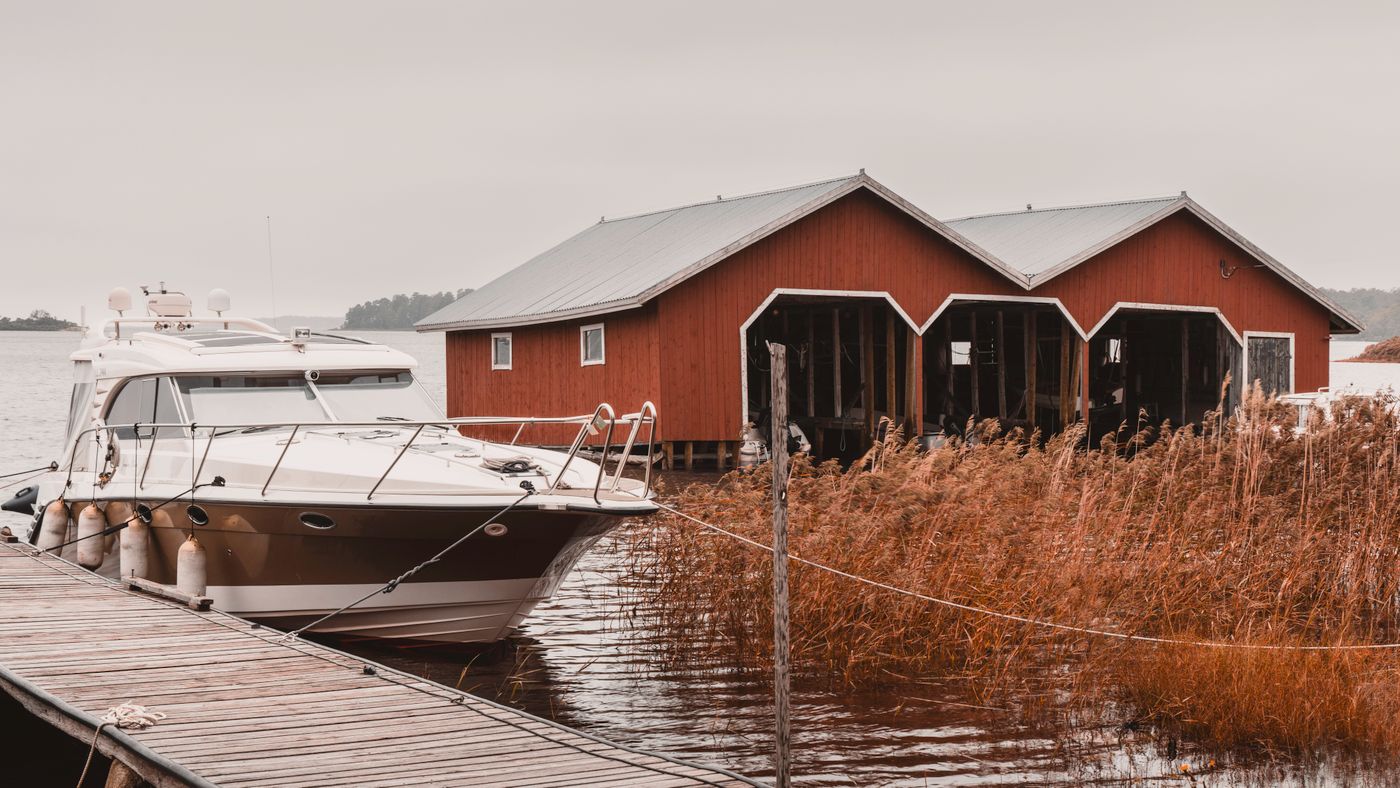
If you’re cycling or taking a car beyond the main island, check with the local ferry operator whether you need to reserve space and what applies to your bike or vehicle. Save the departure jetty and return sailing for each leg. If the return is your last connection of the day, agree on a fallback with your accommodation before you set off. Open the maps and booking details in airplane mode to make sure they’re available offline. Visit Åland local transport

Check coverage on land and prepare for the crossing
Look for Aland Islands in the SimVago catalog. Confirm whether your Finland, Sweden or regional plan lists Åland explicitly. Check when validity starts and install on Wi-Fi according to the plan instructions. Keep your ferry documents available offline during the crossing. If you want to avoid connecting to an onboard cellular network, use airplane mode and turn Wi-Fi back on separately if needed. After docking, select the eSIM for mobile data and test it before heading to your next stop.
Sources
- Visit Åland ferry arrivals Checked
- Visit Åland local transport Checked