
Asia · Travel connectivity
Bangladesh eSIM Guide for Dhaka Airport and Onward Trains
Get mobile data ready for Bangladesh, check which Dhaka station your train uses, and save your airport transfer and onward ticket offline.
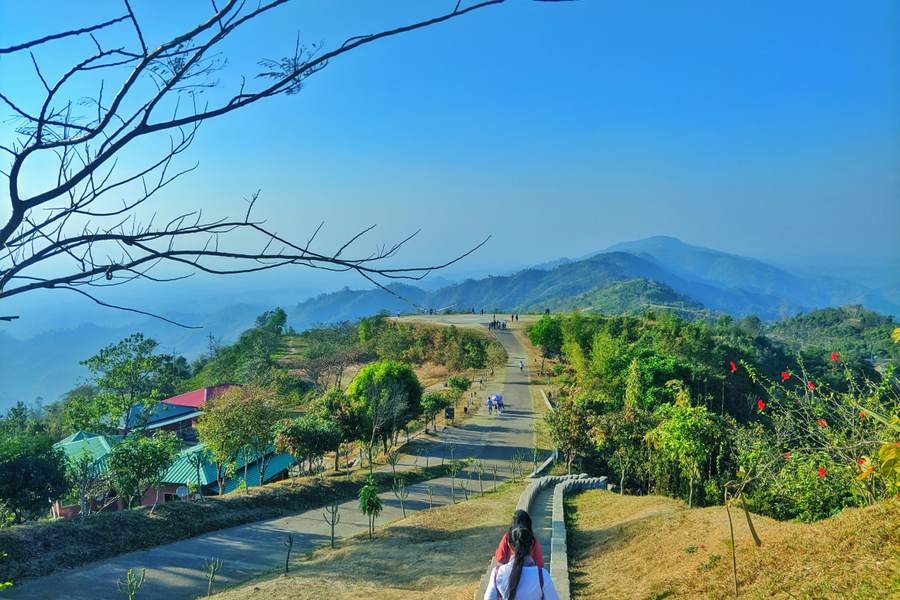
If you’re landing at Hazrat Shahjalal International Airport and continuing by train, check the station printed on your ticket before leaving the terminal. For mobile data on arrival, choose a plan that explicitly lists Bangladesh. SimVago travel eSIMs provide mobile data only. They do not include cellular calls or SMS.
Check whether your train stops at Airport Railway Station
If you’re heading to Sylhet or another city, use your train number and travel date to check the boarding station. If your booking says Airport Railway Station, ask at arrivals where to board the airport shuttle and whether you need to change along the way. If your ticket says Kamalapur, plan your transfer there and allow time for baggage reclaim and road traffic. Check with the railway before changing where you board. Dhaka Airport shuttle guide Bangladesh Railway timetable directory

Save the station name and your onward route offline
- Ask your accommodation or host to send the station name and your destination address in Bangla as well as English. Save both so you can show them to a driver without opening a messaging app.
- Keep your booking reference, train number, and station pin together. Check what ticket format and ID the railway accepts and keep them handy.
- If someone is meeting you at the destination station, agree on an exit or landmark and a fallback if the train is late and you cannot send a message.
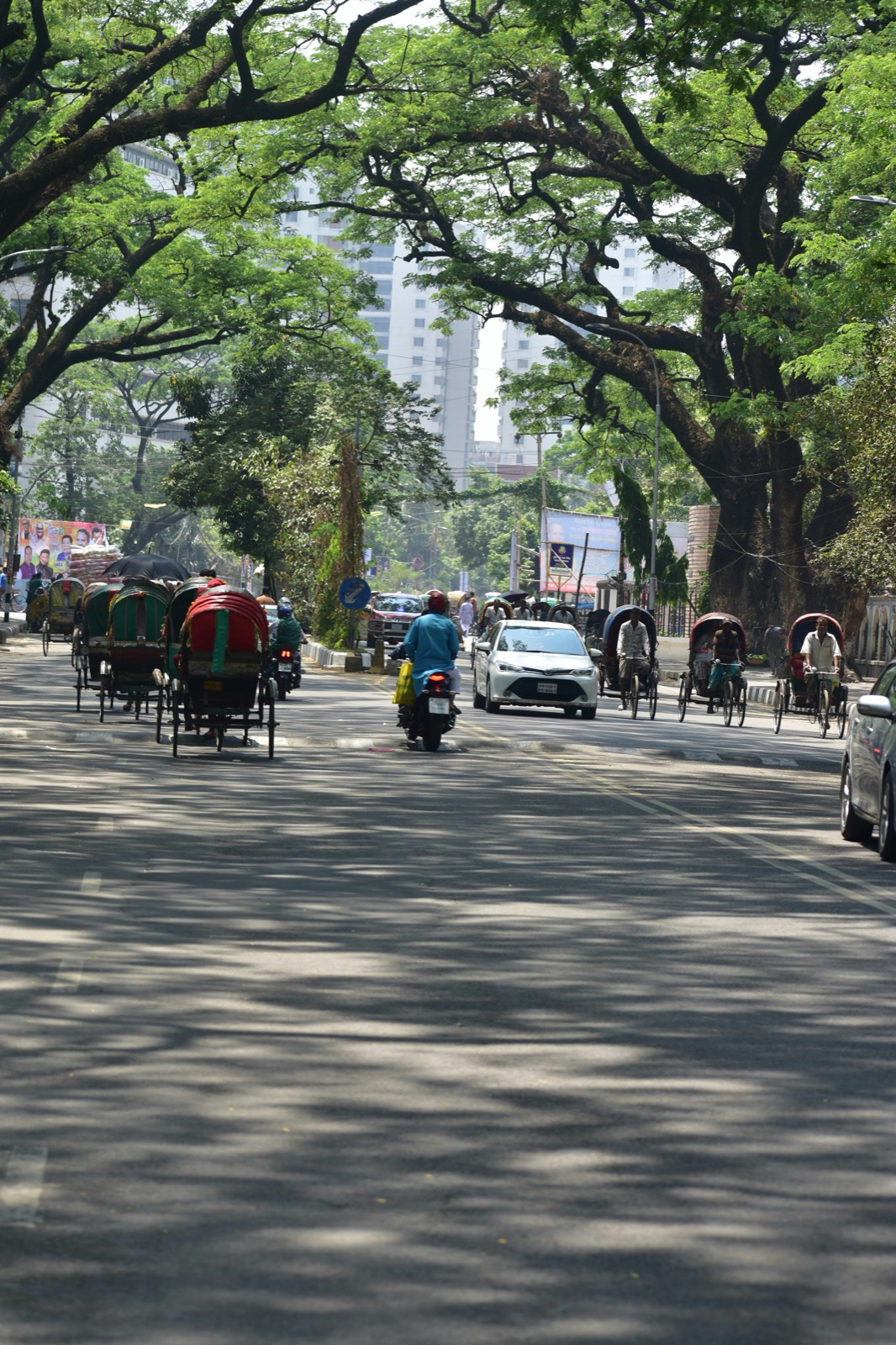
Test mobile data before leaving arrivals
Check that your phone is unlocked and eSIM-compatible. Read your plan’s setup steps and when validity starts before installing over Wi-Fi. On arrival, select the travel eSIM for mobile data and open a fresh webpage with Wi-Fi off. If you expect a bank or travel-service verification text, arrange access through your home carrier or another method the service supports.
Will the same eSIM work in India?
If your itinerary includes India, look for both Bangladesh and India on the exact plan before buying. For a Bangladesh-only trip, compare the allowance and validity with the days you’ll need mobile data. Download maps for your first stop and any onward station over Wi-Fi.
Sources
- Dhaka Airport shuttle guide Checked
- Bangladesh Railway timetable directory Checked