
North Atlantic · Travel connectivity
Bermuda eSIM Guide for Dockyard and Hamilton Ferry Trips
Check mobile data for Bermuda, plan your airport pickup or Dockyard ferry, and save the return route offline.

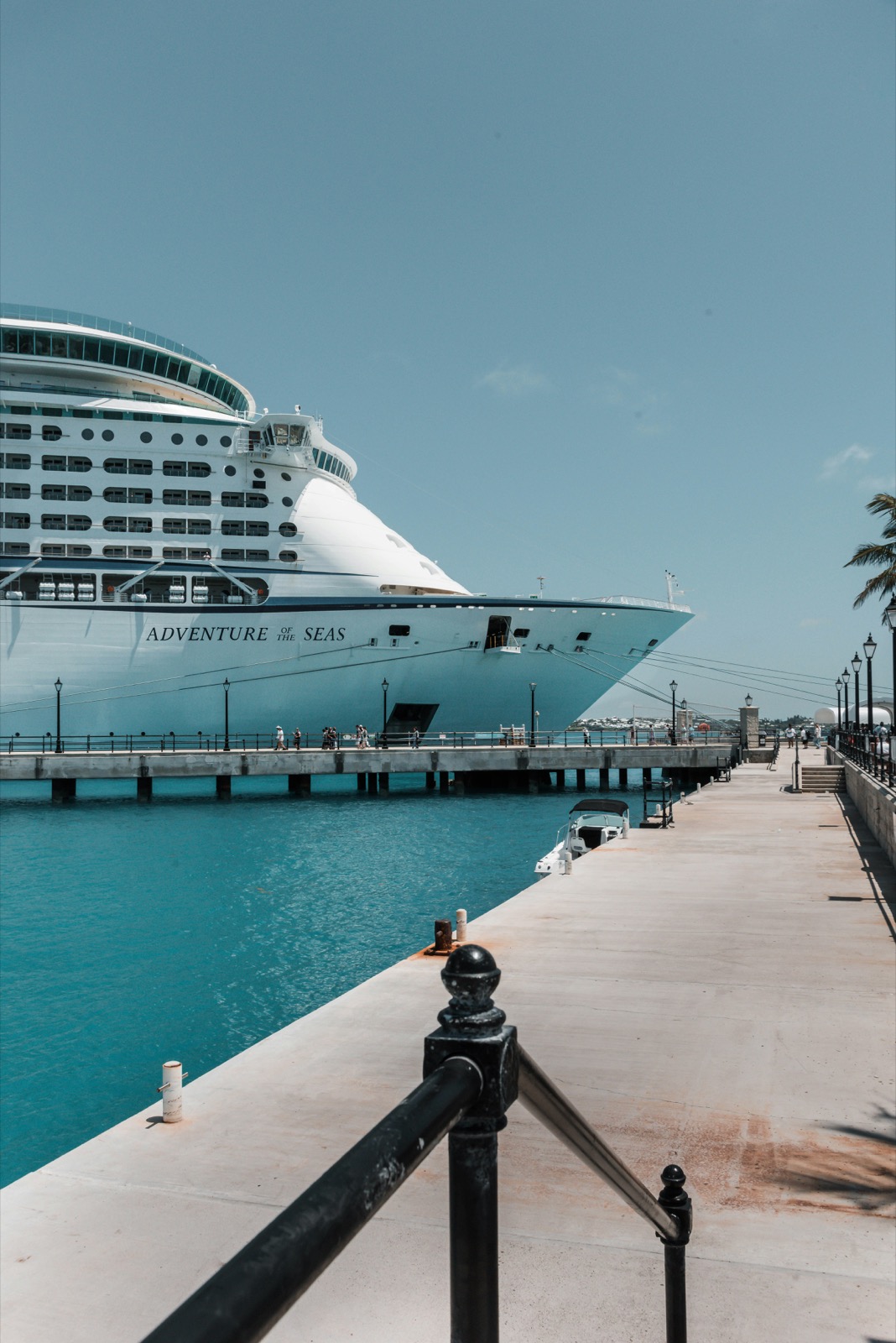
If your ship docks at Royal Naval Dockyard and you’re heading to Hamilton, check the return ferry before you go ashore. If you’re flying in, save the full address of your accommodation and confirm your airport pickup. Choose a plan that explicitly lists Bermuda if you need mobile data. SimVago travel eSIMs provide mobile data only. They do not include cellular calls or SMS.
Check the Blue Route from Dockyard to Hamilton
The Blue Route connects Royal Naval Dockyard and Hamilton. Use the ferry operator’s current timetable for your date and check for service changes before leaving the ship. If the return sailing is too close to your all-aboard time, check Route 8 by road or arrange a taxi with enough time to reach the ship. Bermuda ferry route map and timetable Bermuda ferry schedule update Bermuda Route 8 bus timetable
- Save your ship’s all-aboard time and berth alongside the return departure you plan to take.
- Save a pin for the Hamilton ferry terminal and the stop you would use if returning by bus.
- If your group splits up, agree on a place and time to meet before heading back to Dockyard.
If you fly in, save your pickup and hotel entrance
L. F. Wade International Airport is on Bermuda’s East End, and the airport lists taxis for arrivals. Save the full address and entrance of your accommodation, whether you’re staying near Hamilton or on the West End. If you booked a ride, confirm where to meet and what to do if you cannot send an arrival message. Bermuda Airport ground transport

Will a UK or cruise itinerary eSIM cover Bermuda?
Look for Bermuda in the exact plan, even if the plan already lists the United Kingdom or your cruise departure country. Check each additional port where you’ll need mobile data. For time at sea, check your ship’s internet options with the cruise line.
Get your data line ready before the first transfer
Confirm your phone is unlocked and supports eSIM. Read the plan’s installation and validity terms before setting it up over Wi-Fi. Once ashore in Bermuda, select the travel eSIM for mobile data and open a fresh webpage with Wi-Fi off. If you need verification texts, arrange access through your home carrier or another method the service supports.
Sources
- Bermuda Airport ground transport Checked
- Bermuda ferry schedule update Checked
- Bermuda ferry route map and timetable Checked
- Bermuda Route 8 bus timetable Checked