
Europe · Travel connectivity
Bosnia and Herzegovina eSIM Guide for Sarajevo and Mostar by Train
Check roaming in Bosnia and Herzegovina, plan the Sarajevo–Mostar train, and save your tickets and return route offline.
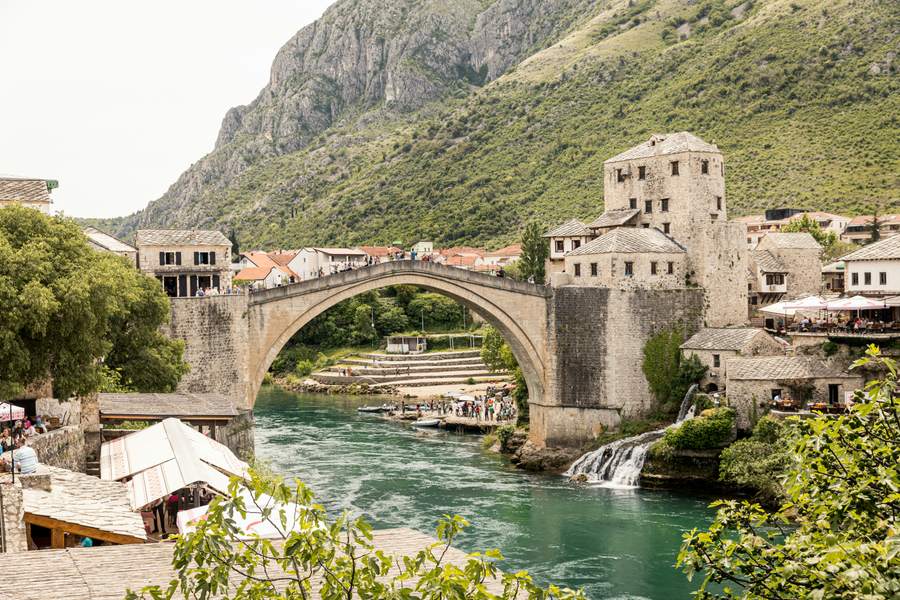
If you’re taking the train from Sarajevo to Mostar, check the return service before buying your outbound ticket. If you need mobile data on the trip, check your home carrier’s terms for Bosnia and Herzegovina or choose a travel eSIM that explicitly lists the country. SimVago travel eSIMs provide mobile data only. They do not include cellular calls or SMS.
Check both directions on the Sarajevo–Mostar line
The railway operator announced that Sarajevo–Mostar–Čapljina passenger service resumed on October 15, 2026, after a suspension. Check the current service notices and departures in both directions for your travel date. If your train is listed under Čapljina, confirm that Mostar appears as a stop. For a day trip, choose a return that gives you time to get back to Mostar station. Railway service notice for Sarajevo–Mostar
- Keep the train number, departure station, and ticket in a format the operator accepts. Make sure you can open the ticket offline.
- Save a map from Mostar station to your accommodation or the Old Bridge area, along with the walk back. Set a reminder for when you need to leave for the station.
- If the return train changes, check bus departures and save the boarding location before setting out.
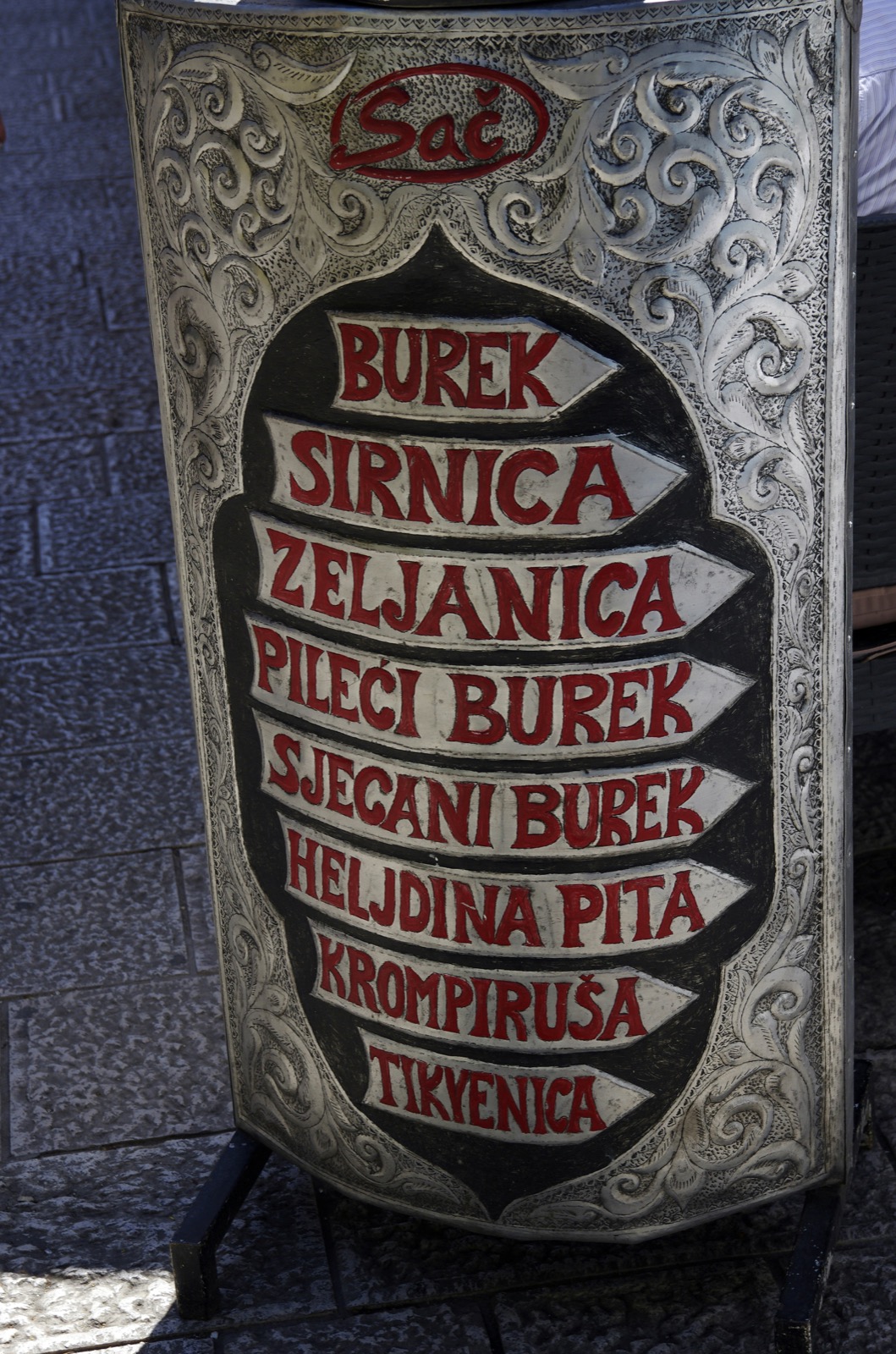
Does EU roaming cover Bosnia and Herzegovina?
As of November 11, 2026, Bosnia and Herzegovina is outside the EU’s Roam Like at Home area. The European Commission has opened negotiations to extend the scheme. For your trip, check your home carrier’s current allowance and charges for Bosnia and Herzegovina. If you’re also visiting Croatia or Montenegro, verify each country on the specific travel eSIM you’re considering. European Commission roaming update

Test your data before heading to the station
Confirm your phone is unlocked and supports eSIM. Check the plan’s installation instructions and when validity starts before setting it up over Wi-Fi. In Bosnia and Herzegovina, select the travel eSIM for mobile data and open a fresh webpage with Wi-Fi off. If a booking service requires a verification text, arrange access through your home carrier or another method the service supports.