
Caribbean · Travel connectivity
Cuba eSIM Guide for Havana, Varadero and Trinidad
Check mobile data options for Cuba and save your Havana airport pickup, bus booking and accommodation details offline.
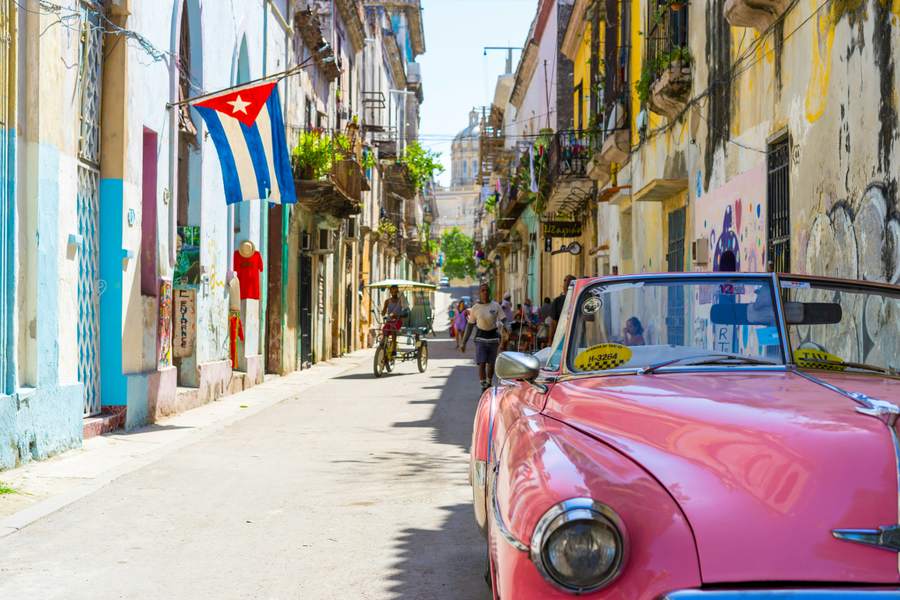
Before buying a travel eSIM for Cuba, check that the provider explicitly lists Cuba and explains when the plan starts. Save your first pickup, lodging address and onward tickets on your phone before departure. SimVago travel eSIMs provide mobile data. Standard cellular calls and SMS use a separate line.
Arrange your Havana airport pickup while you’re online
Ask your host or driver to confirm your terminal, the meeting point and what to do if your flight is late. Save their reply and the full address of your hotel or casa particular. Download a map from the airport to your stay and open it in airplane mode to check that it works. Keep the address on paper too if your phone might run out of charge.

Save your exact stop for Varadero or Trinidad
If you’re traveling with Viazul, check the terminal or stop named on each booking and confirm how early to arrive. For Varadero, check whether your stop is near your hotel and arrange the last leg if needed. For Trinidad, save directions from the drop-off point to your accommodation. Keep the booking in the format Viazul accepts and check for changes while you have a connection. Viazul booking and boarding terms

Compare a travel eSIM with a local visitor line
Check your phone’s eSIM compatibility and carrier lock status. If you find a plan that explicitly covers Cuba, verify its network, validity and activation instructions before purchase. ETECSA offers CubacelTur for visitors. If you’re considering it, check the operator’s current requirements and pickup details before flying. Whichever option you choose, test a fresh page with Wi-Fi off before relying on mobile data for your next transfer. ETECSA CubacelTur
Sources
- ETECSA CubacelTur Checked
- Viazul booking and boarding terms Checked