
Africa · Travel connectivity
Ethiopia eSIM Guide for Addis Ababa Bole Airport
Prepare mobile data for Ethiopia, save your Addis Ababa airport pickup details, and plan for a domestic connection at Bole Airport.

If you’re flying into Addis Ababa Bole International Airport (ADD), save the instructions for your first pickup or connection before you board. An Ethiopia eSIM can help you load maps, message your driver, or check a flight update once it connects. SimVago provides mobile data only, with no cellular calls or SMS.
Save your pickup details before landing in Addis Ababa
Save your hotel’s name, neighborhood, and entrance pin along with the driver’s meeting point. Include a nearby landmark your hotel recommends so you can show the address offline. If the pickup changes while you’re still inside, Ethiopian Airlines lists Wi-Fi in arrivals. The airline also lists metered taxis in the arrivals hall if you need to arrange a ride there. Ethiopian Airlines Bole Airport guide
Keep your domestic connection details handy
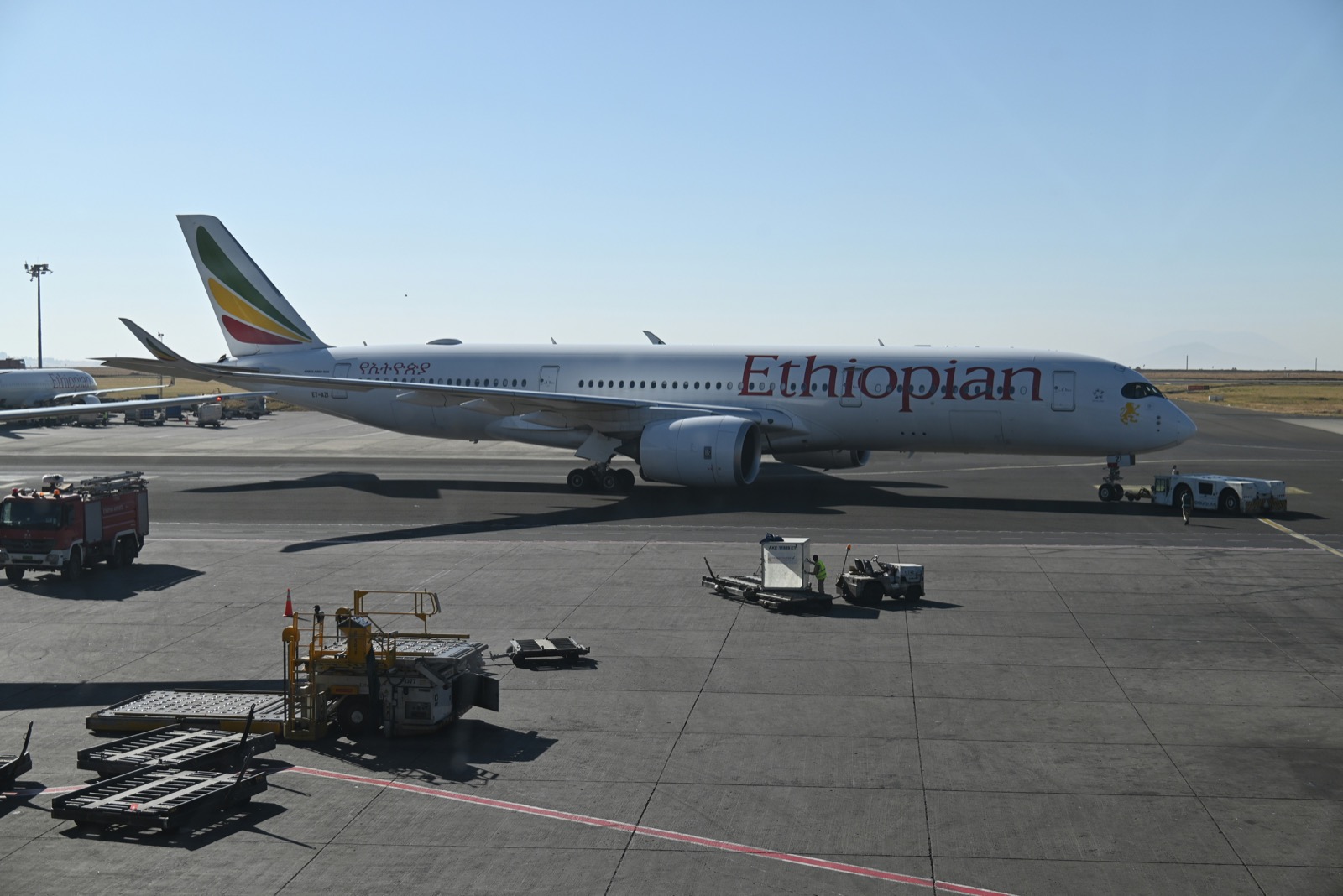
At Bole, Terminal 2 handles international flights and Terminal 1 handles domestic flights. If you’re connecting to another Ethiopian city, keep your onward booking and baggage receipt accessible offline. Ask at check-in whether your bag is tagged to the final airport and where to go after landing. If your flights are on separate tickets, confirm any baggage collection and check-in steps with both airlines before departure. Ethiopian Airlines connection guide

Set up and test your Ethiopia data plan
Check that your phone supports eSIM and is carrier-unlocked. Look for Ethiopia on the exact plan, confirm when validity begins, and follow the installation instructions over Wi-Fi. Once you arrive, select the travel eSIM for mobile data and load a fresh webpage with Wi-Fi off. If you’re traveling beyond Addis Ababa, save your onward tickets, accommodation details, and offline maps before you leave. Arrange a separate way to receive verification texts if you’ll need them.