
South America · Travel connectivity
French Guiana eSIM Guide for Cayenne and Kourou
Check eSIM coverage for French Guiana, save your Cayenne airport pickup offline, and prepare for a space centre visit in Kourou.

Before buying an eSIM for a trip to Cayenne or Kourou, look for French Guiana in the exact plan’s coverage list. Check separately if your itinerary also includes mainland France. Once connected, you can use mobile data for maps and messages. SimVago provides data only, with no cellular calls or SMS.
Save your Cayenne airport pickup before departure
Keep your driver’s meeting point, booking reference, and accommodation address together in a note you can open offline. If you’re going straight to Kourou, save the route from Cayenne Félix Éboué Airport and the entrance pin for your accommodation. Agree on where to wait if your flight is delayed and you can’t reach your driver.
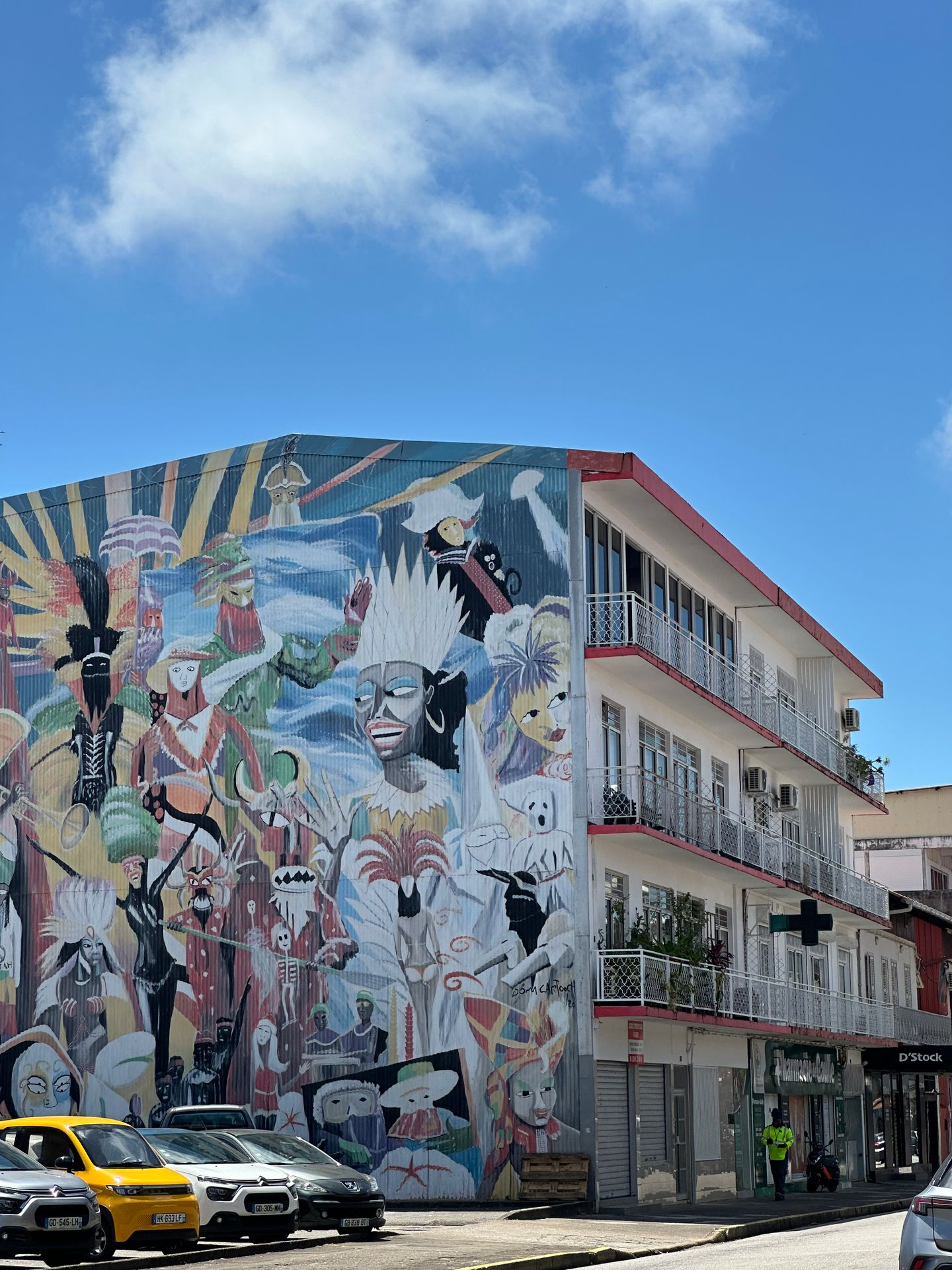
Keep Kourou tour and launch details separate
The Guiana Space Centre requires advance booking for its facilities tour and asks visitors to bring identification to registration. Save the confirmation and the meeting pin from the tour page. If you’re also planning to watch a launch, check the instructions for your chosen viewing site and save those separately. The space centre can change or suspend tours around launch operations, so recheck your booking before leaving. Guiana Space Centre facilities tour Guiana Space Centre launch viewing
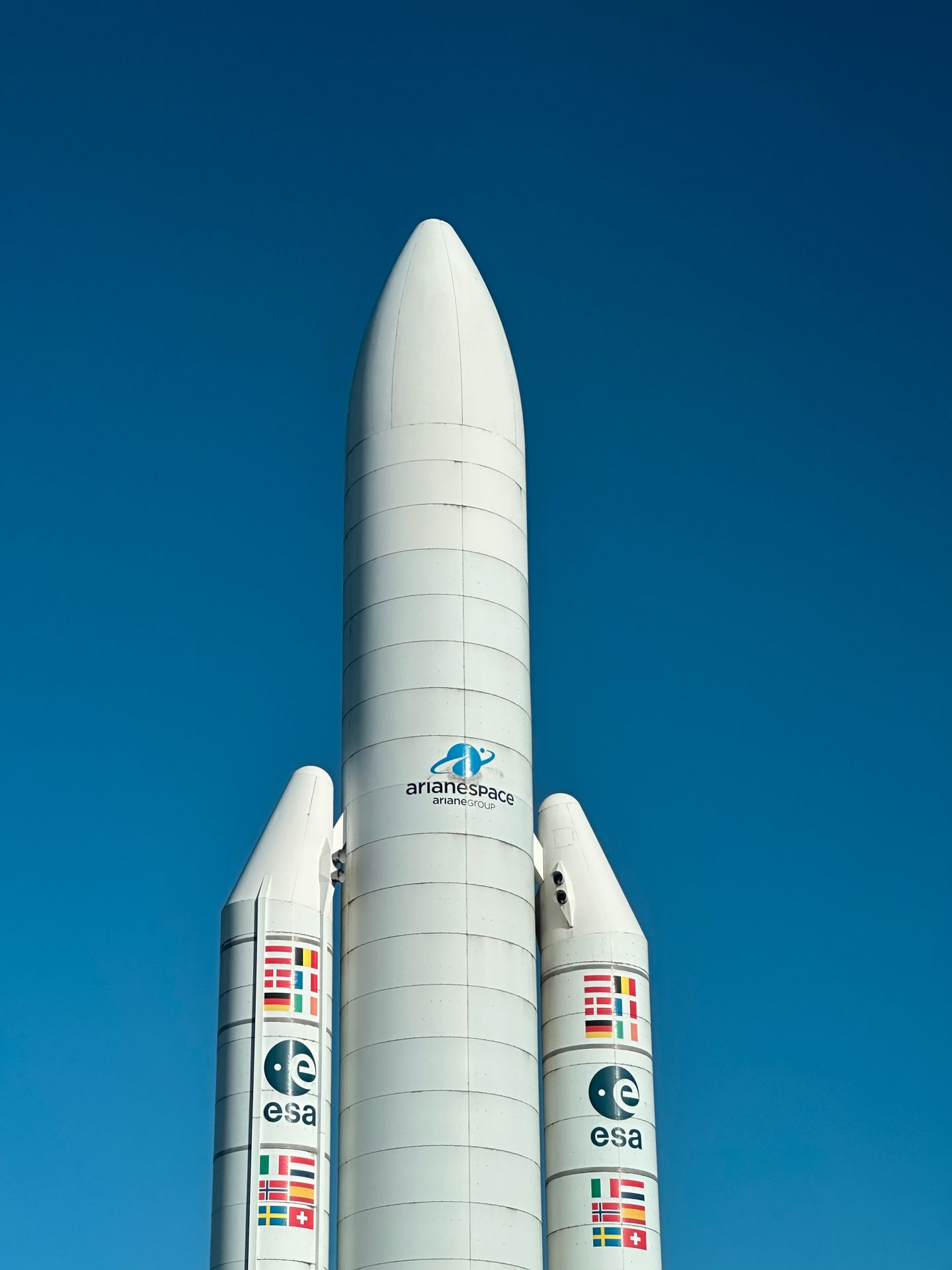
Test mobile data before heading out of Cayenne
Confirm your phone supports eSIM and is carrier-unlocked. Check when the plan starts and follow its installation steps over Wi-Fi. Once in French Guiana, select the travel eSIM for mobile data, switch Wi-Fi off, and load a fresh webpage. Download maps and any onward pickup instructions before driving inland. If you’re continuing to Brazil or Suriname, check each country on the exact plan.