
North America · Travel connectivity
Greenland eSIM Guide for Nuuk and Onward Travel
Check Greenland eSIM coverage, save your Nuuk arrival details, and prepare for onward flights and boat transfers.

Before buying an eSIM for Nuuk or Ilulissat, check that the exact plan lists Greenland. If you’re flying via Denmark or Iceland and want data there too, check each stop separately. Once connected, you can use mobile data for maps, messages, and transport updates. SimVago provides data only, with no cellular calls or SMS.
Save the details for each flight or boat
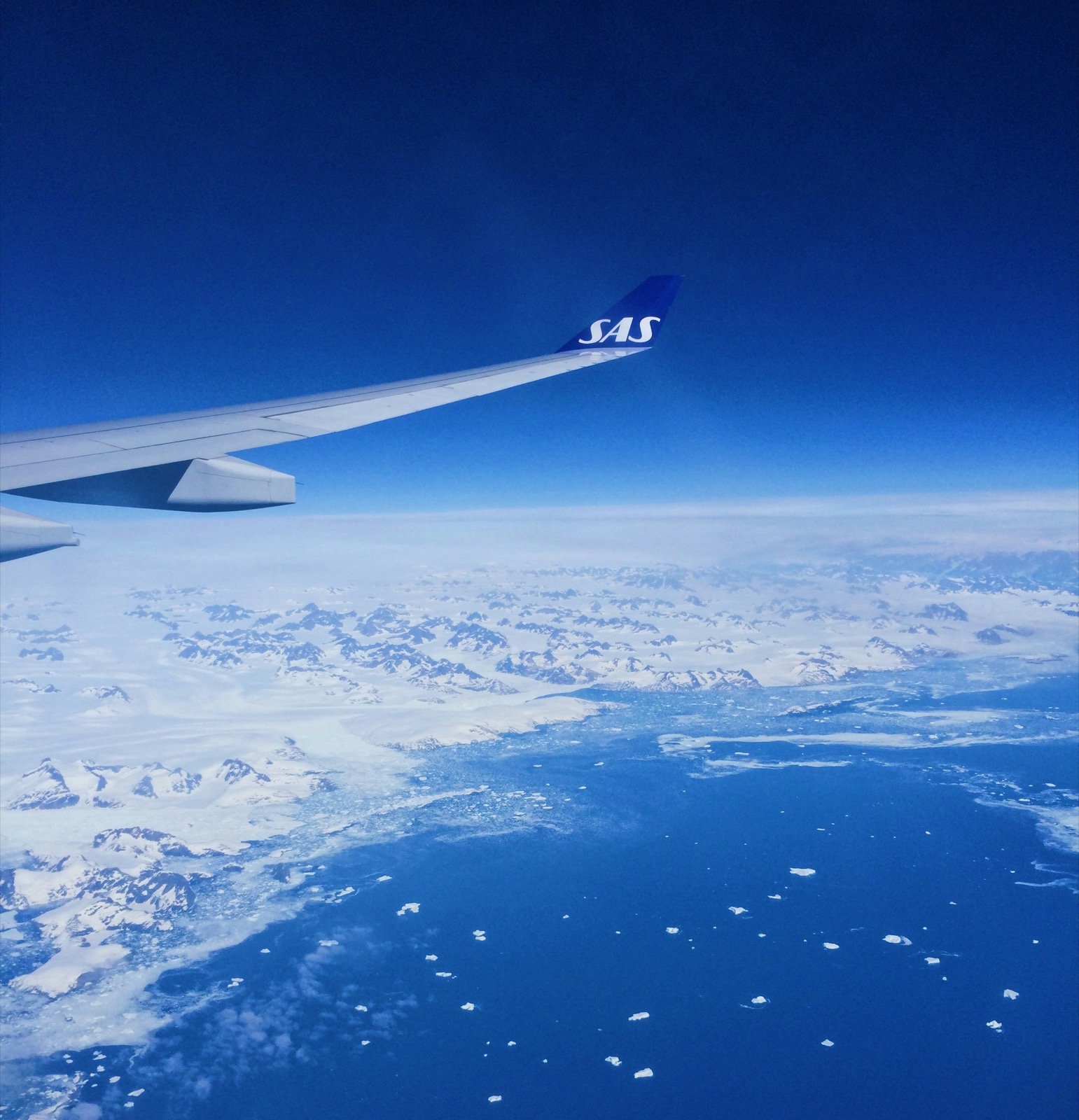
Most communities in Greenland lack road links to other towns. Depending on your itinerary, the next leg may be a flight, helicopter, or passenger boat. Save your reservation, departure airport or pier, check-in time, and pickup instructions at the other end. If you’re taking a boat from Nuuk, ask the operator for the exact boarding point and save the walk there from your accommodation. Visit Greenland transport guide
Keep a way to check changes between bookings
If you booked an onward flight and a boat or tour separately, ask the second operator what happens if your flight runs late. Keep their contact details and booking reference offline. Check Air Greenland’s service updates and any messages from your operator before leaving Wi-Fi. If a departure moves, confirm the new pickup time as well as the new departure time. Air Greenland service updates

Test your Greenland eSIM while you’re in town
Confirm your phone supports eSIM and is carrier-unlocked. Check when plan validity begins and install over Wi-Fi as directed. Once in Greenland, select the travel eSIM for mobile data, turn Wi-Fi off, and load a fresh webpage. Before a fjord trip or an onward flight, download the maps, tickets, and meeting points you’ll need so you can open them even if mobile data drops.
Sources
- Visit Greenland transport guide Checked
- Air Greenland service updates Checked