
Central America · Travel connectivity
Honduras eSIM Guide for La Ceiba and Roatán
Set up mobile data for Honduras, find your ferry terminal in La Ceiba, and save pickup details for Dixon Cove on Roatán.
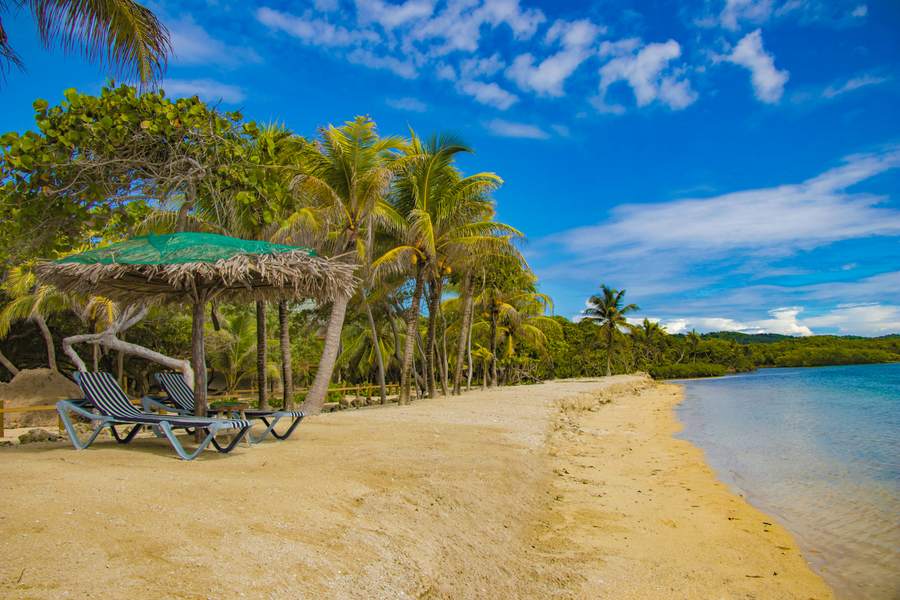
If you’re taking the ferry from La Ceiba to Roatán, save your ticket and pickup details before leaving Wi-Fi. A Honduras eSIM can help you check for ferry updates and message your driver once it connects. SimVago provides mobile data only, with no cellular calls or SMS. Check your government’s current travel advisory before planning the mainland leg. U.S. State Department Honduras travel advisory
Save the terminal listed on your ferry ticket
Galaxy Wave’s La Ceiba terminal is beside the municipal docks in the eastern part of the city. Give your driver the operator name and terminal pin from your booking. Galaxy Wave asks passengers to check in an hour before departure. Check the instructions for your own sailing and allow time for the drive and check-in. Save the booking reference and return details offline. Galaxy Wave ferry terminals Galaxy Wave schedule and check-in
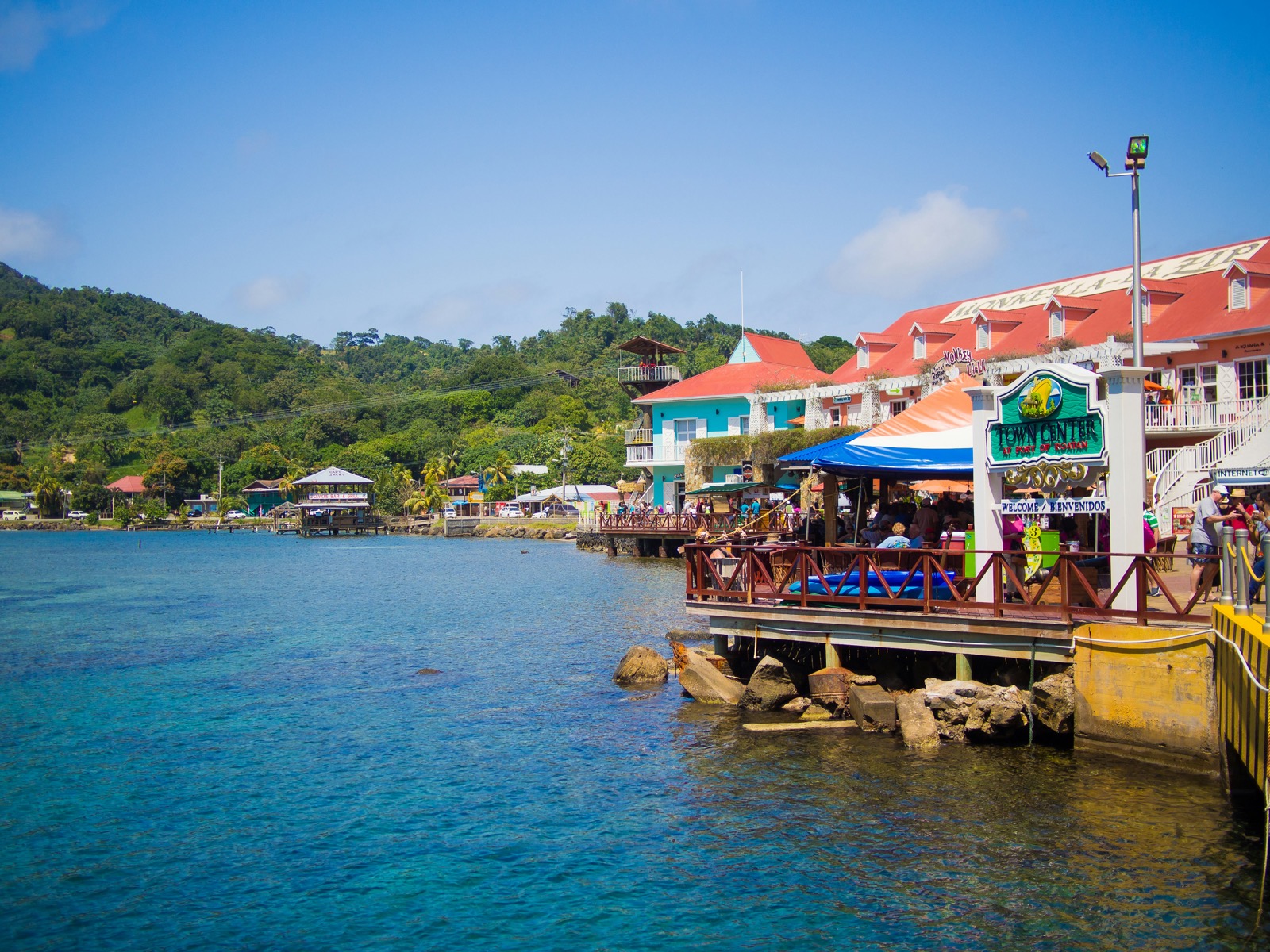
Tell your Roatán driver where you’ll arrive
Galaxy Wave arrives at Dixon Cove. If your accommodation is arranging a ride, send the terminal name and sailing details in advance. Save the meeting point and the full address of your stay. Agree on where to wait if the ferry runs late and you can’t message the driver. Galaxy Wave ferry terminals
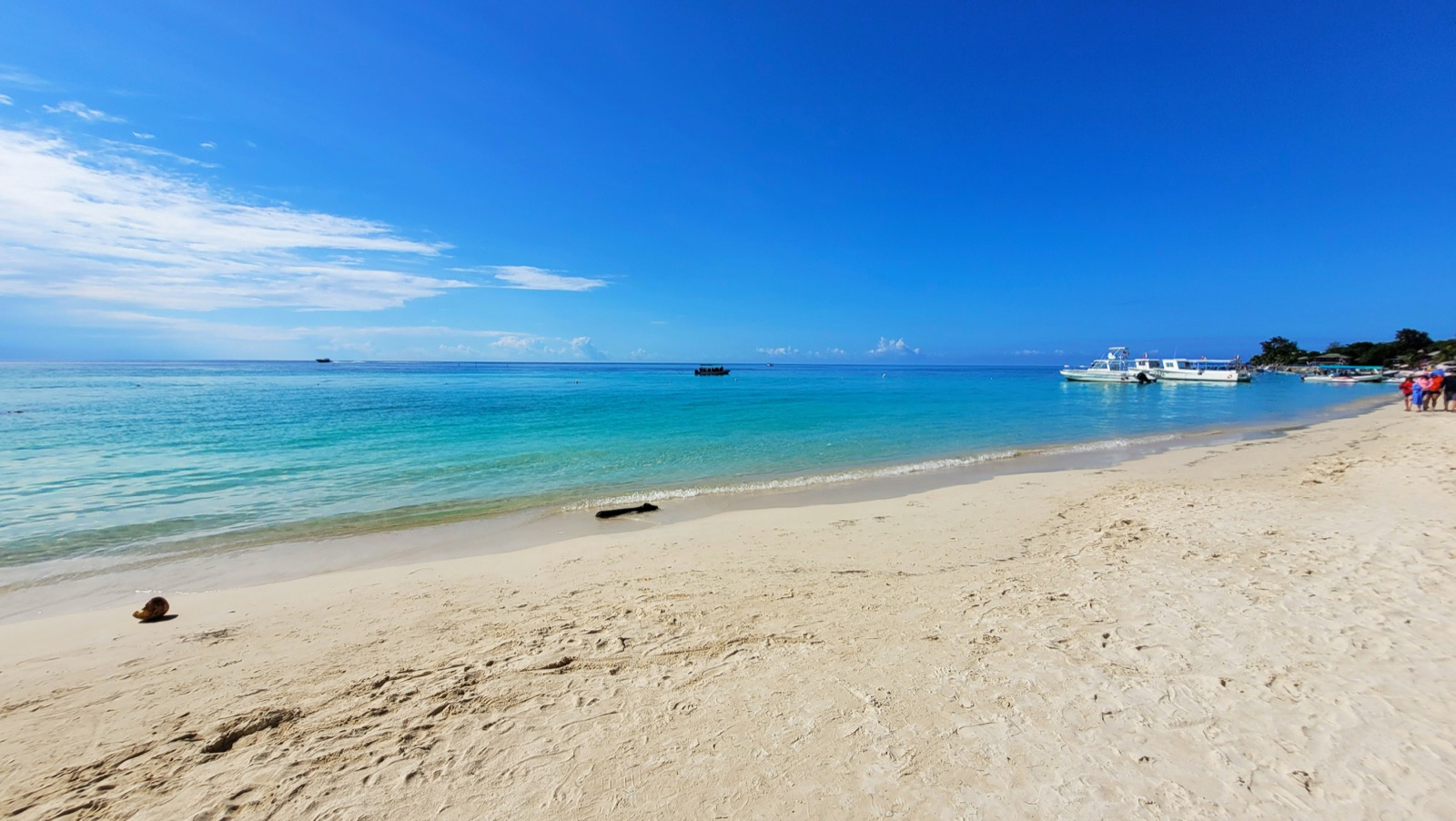
Test your Honduras eSIM before boarding
Check that your phone supports eSIM and is carrier-unlocked. Choose a plan that lists Honduras and ask the provider about coverage at your Roatán stay if you need to get online there. Confirm when validity starts and follow the installation steps over Wi-Fi. In La Ceiba, select the eSIM for mobile data, turn off Wi-Fi, and load a fresh webpage. Download your ferry tickets and a map for the drive from Dixon Cove before boarding.