Europe · Travel connectivity
Italy eSIM Guide for Rome Fiumicino and Onward Trains
Set up mobile data for Italy, choose the train from Rome Fiumicino, and save your onward rail details offline.

If you’re landing at Rome Fiumicino (FCO), check which station you need before buying an airport train ticket. An Italy eSIM can help you check departures and open directions once it connects. SimVago provides mobile data only, with no cellular calls or SMS.
Match the airport train to your Rome station
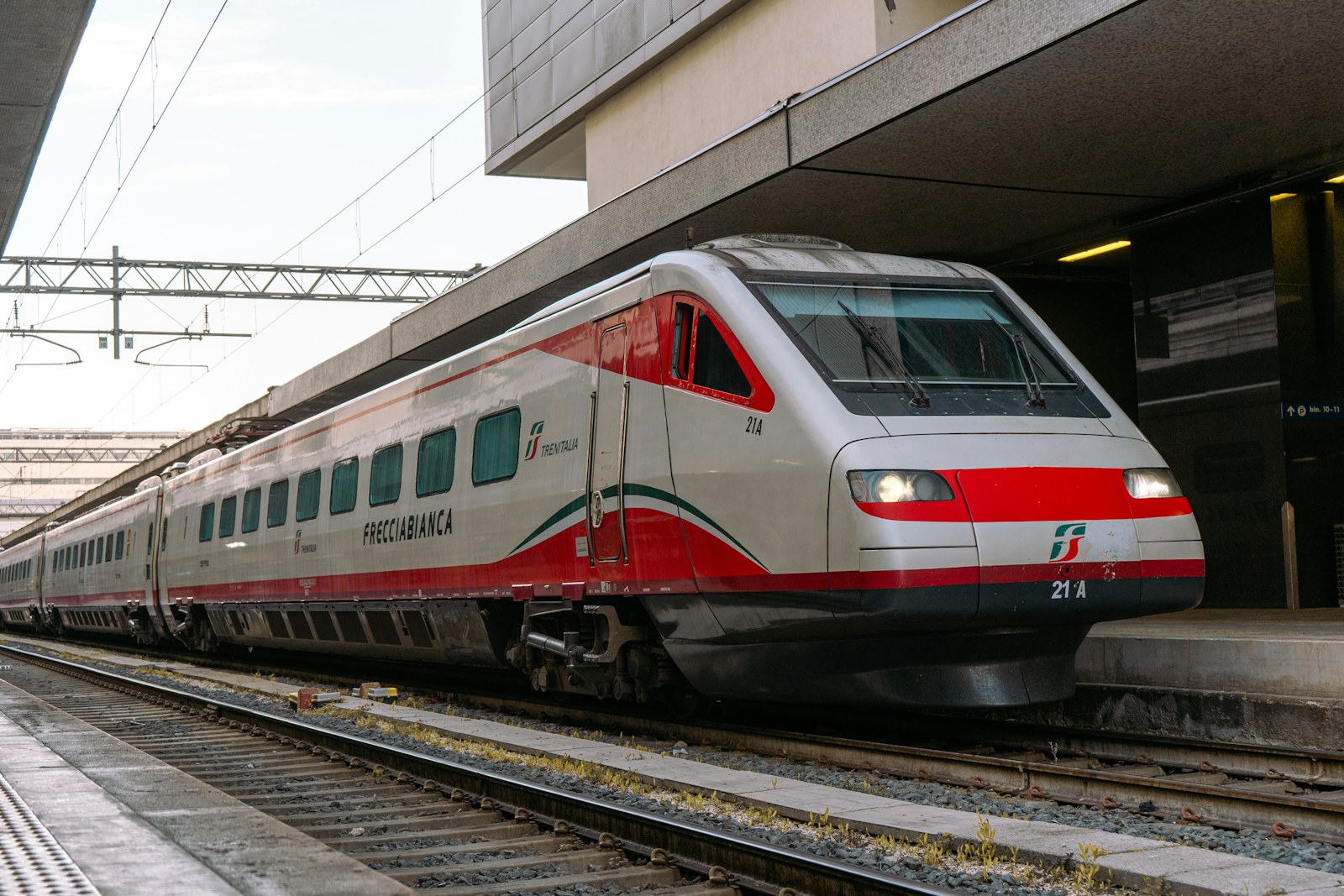
The Leonardo Express runs nonstop to Roma Termini. For Roma Tiburtina, look for an FL1 regional train that stops there. If you have an onward train to Florence or Naples, use the station printed on that ticket to choose your first train. Save the station name and allow time to find your next platform. Trenitalia Fiumicino rail connections
Keep your ticket accessible before your data connects
For the Leonardo Express, Trenitalia lets you buy a ticket at the airport fare gate with a contactless card. Each card buys one passenger’s ticket. The airport station also has ticket machines. For a train you booked in advance, keep the operator’s ticket accessible offline and save the train number so you can match it to the departure board. Trenitalia Leonardo Express guide Trenitalia Fiumicino rail connections
Test your Italy eSIM after landing
Confirm your phone supports eSIM and is carrier-unlocked. Choose a plan that lists Italy, check when validity starts, and install over Wi-Fi as directed. After landing, select the eSIM for mobile data and open a fresh webpage with Wi-Fi off. Save the walk from your final station to your accommodation before boarding.