
Central Asia · Travel connectivity
Kazakhstan eSIM Guide for Almaty and Astana by Train
Set up mobile data for Kazakhstan, check your Almaty and Astana train stations, and save your ticket and pickup details offline.

If you’re taking the train between Almaty and Astana, save both station names before you travel. A Kazakhstan eSIM can help you check departures and message your driver once it connects. SimVago provides mobile data only, with no cellular calls or SMS.
Use the full station name when booking a ride
Kazakhstan Railways lists Almaty-1 and Almaty-2 as separate stations. In Astana, your train may use Astana-1 or Nurly Zhol. Copy the station name from your ticket into your map and check the pin before sending it to your driver. For an overnight train, confirm the arrival date as well as the station when arranging pickup. Kazakhstan Railways passenger timetable
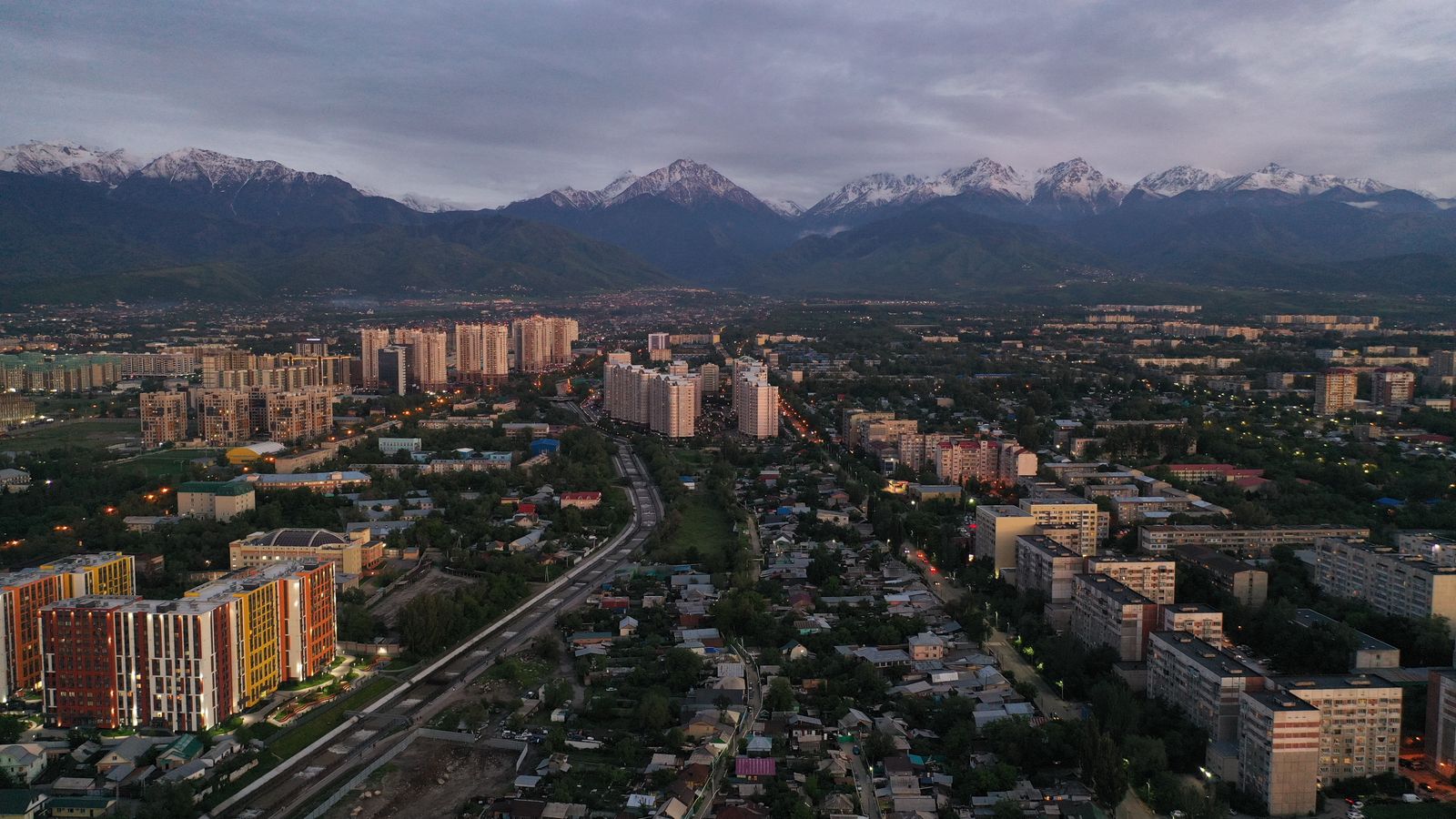
Save the details you’ll need at both ends
Keep your ticket, train number, carriage, and seat or berth accessible offline. Save the meeting point at your arrival station and the address of your stay. Check the railway booking portal for updates before leaving for the station. If you have a pickup, agree on where to wait if the train is late and you can’t reach your driver. Kazakhstan Railways booking portal
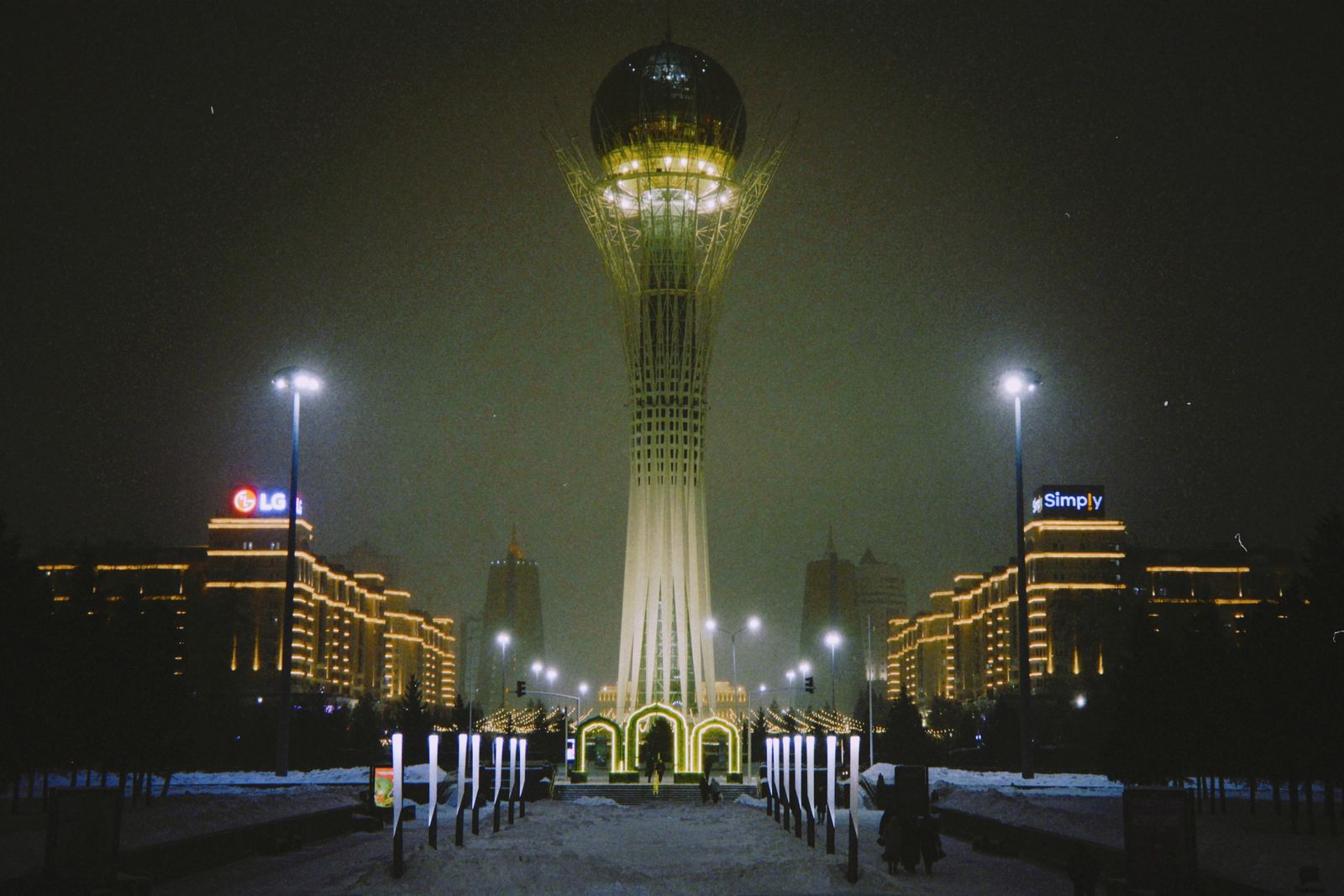
Test your Kazakhstan eSIM before boarding
Confirm that your phone supports eSIM and is carrier-unlocked. Choose a plan that lists Kazakhstan, check when validity starts, and install over Wi-Fi as directed. Once in Kazakhstan, select the travel eSIM for mobile data and open a fresh webpage with Wi-Fi off. Download maps and translation files before boarding so they’re available if reception drops along the route.