
Asia · Travel connectivity
Malaysia eSIM Guide for Kuala Lumpur Airport Trains
Set up mobile data for Malaysia, choose the right KLIA airport train, and save your transfer details offline.

If you’re landing at Kuala Lumpur International Airport (KUL), save your first train stop before you fly. A Malaysia eSIM can help you check departures and message your host once it connects. SimVago provides mobile data only, with no cellular calls or SMS.
Choose your airport train by destination
KLIA Ekspres serves both airport terminals and KL Sentral. If you need an intermediate stop such as Putrajaya & Cyberjaya or Bandar Tasik Selatan, look for KLIA Transit. The two services use separate tickets, so check the service name before buying. KLIA Ekspres route and ticket guide KLIA Transit route and ticket guide
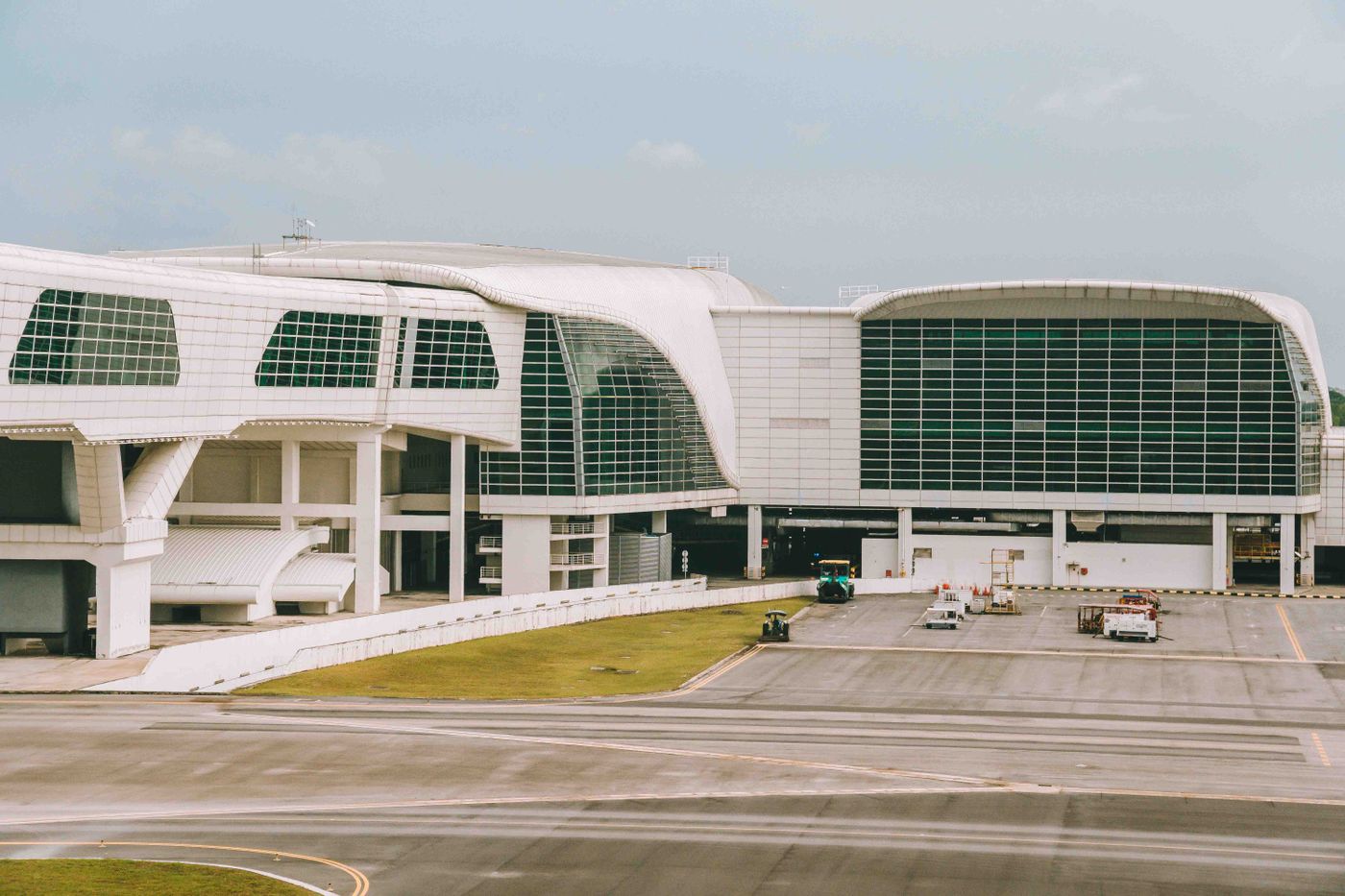
Keep your ticket and the next transfer accessible offline
If you’re buying after landing, the operator lists ticket counters at both terminals. If you bought ahead, save the issued ticket and the name of your arrival station. For a connection at KL Sentral, save the next operator, boarding point, and directions through the station. For the return to the airport, check whether your flight leaves from T1 or T2. KLIA Ekspres route and ticket guide
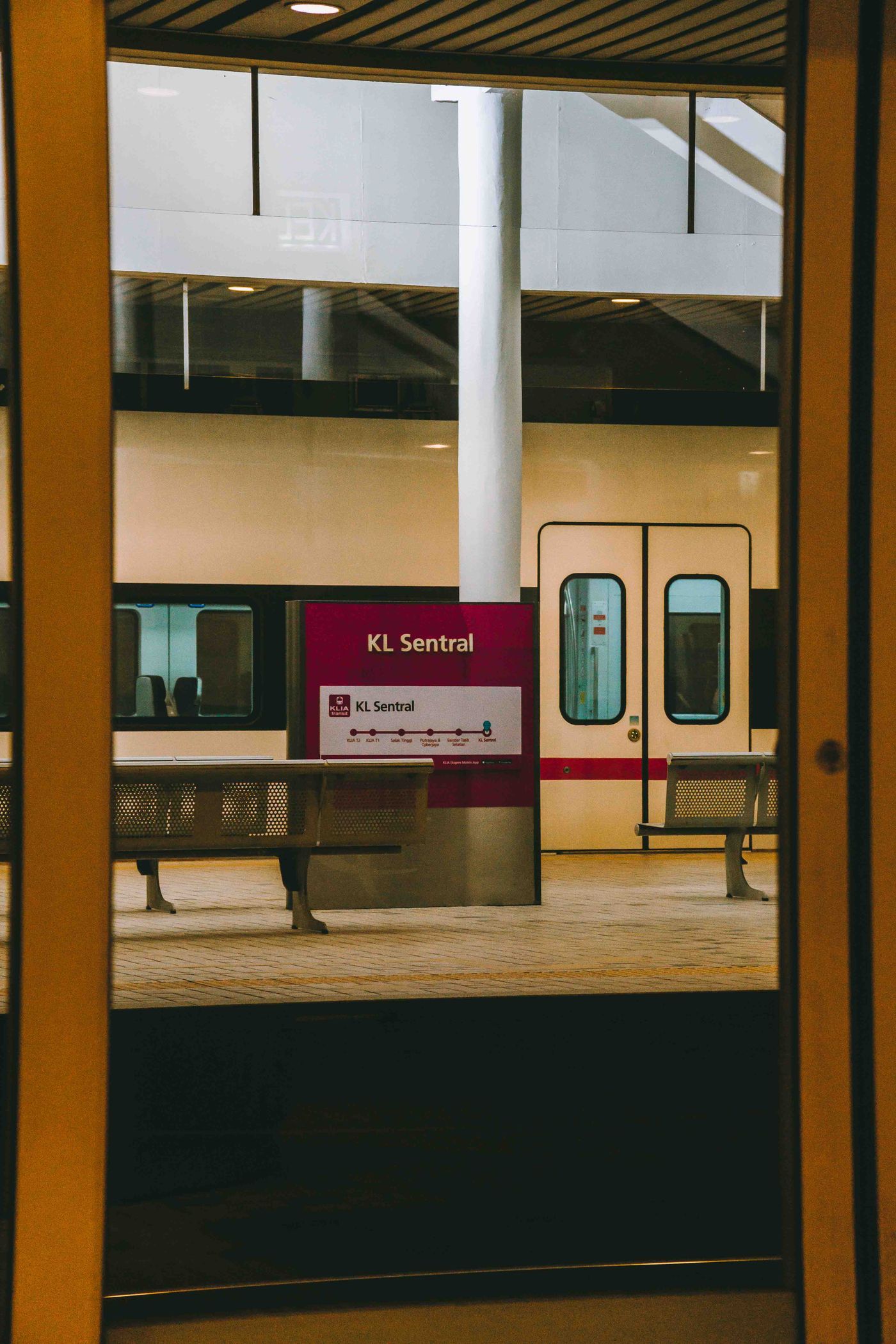
Test your Malaysia eSIM after landing
Confirm your phone supports eSIM and is carrier-unlocked. Choose a plan that lists Malaysia, check when validity starts, and follow its installation steps over Wi-Fi. Select the travel eSIM for mobile data and open a fresh webpage with Wi-Fi off. If your itinerary continues to Singapore or Thailand, verify those destinations on the exact plan.