
Africa · Travel connectivity
Mali eSIM Guide for Bamako and Backup Communication
Check Mali travel advisories and eSIM coverage, then prepare offline contacts and a backup plan for outages in Bamako.

The U.S. State Department advises against travel to Mali, and Canada also advises against all travel. Check your government’s current advisory before making travel plans. If you’re already in Mali and need mobile data, confirm that the exact eSIM plan lists Mali. SimVago provides mobile data only, with no cellular calls or SMS. U.S. State Department Mali travel advisory Government of Canada Mali travel advice
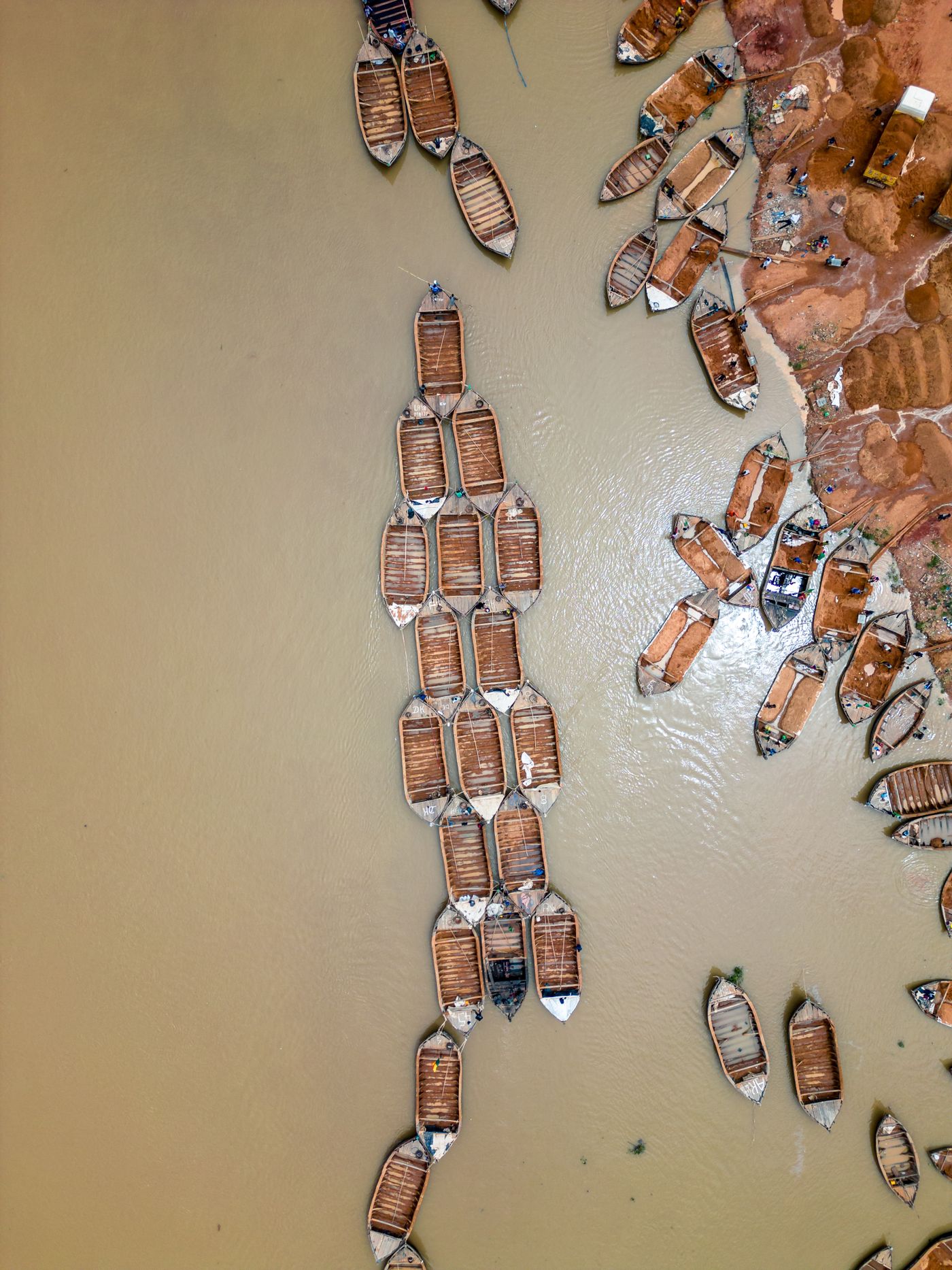
Prepare for a power or network outage in Bamako
Canada’s travel advice notes that power outages can disrupt telecommunications in Mali. While you have a connection, save your local host’s address and contact details and your consular contact in a note you can open offline. Ask your host what backup power and connectivity are available at your address. Keep a power bank charged and agree on a check-in time and backup contact with someone you trust. Government of Canada Mali travel advice

Set up and test your Mali eSIM
Check that your phone supports eSIM and is carrier-unlocked. Confirm when validity starts and follow the installation steps over Wi-Fi. Select the travel eSIM for mobile data, turn Wi-Fi off, and try opening a fresh webpage. If it fails, reconnect to Wi-Fi and check the plan’s setup instructions. If you need cellular calls or verification texts, confirm what your home carrier supports in Mali and check its rates.