
Africa · Travel connectivity
Namibia eSIM Guide for Windhoek and Etosha Road Trips
Set up a Namibia eSIM, save your Windhoek airport pickup, and download your Etosha gate, camp, and road-trip details.
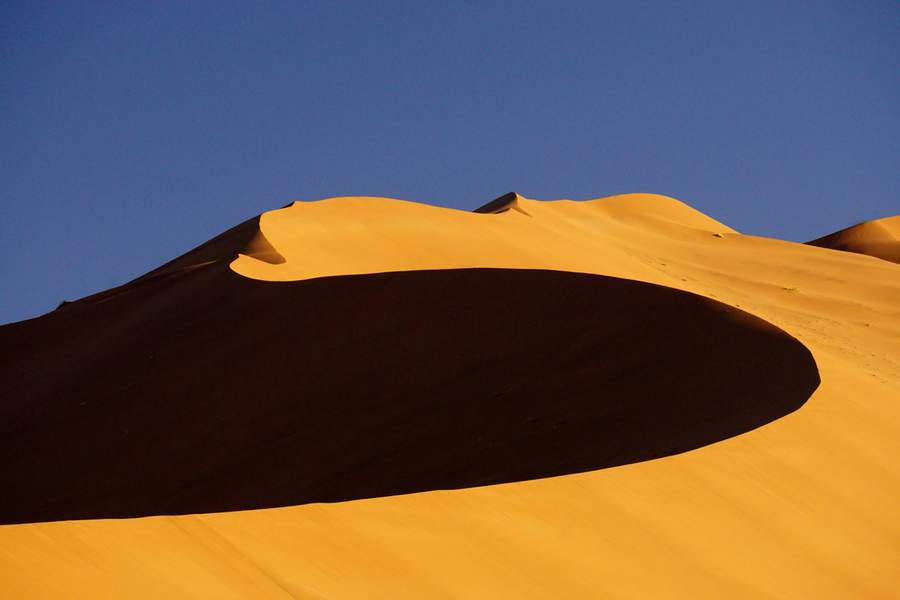
Set up your Namibia eSIM for arrival in Windhoek and download the information you’ll need for the drive to Etosha. Choose a plan that lists Namibia and check when validity starts. SimVago provides mobile data only, with no cellular calls or SMS.
Save your pickup at Hosea Kutako airport
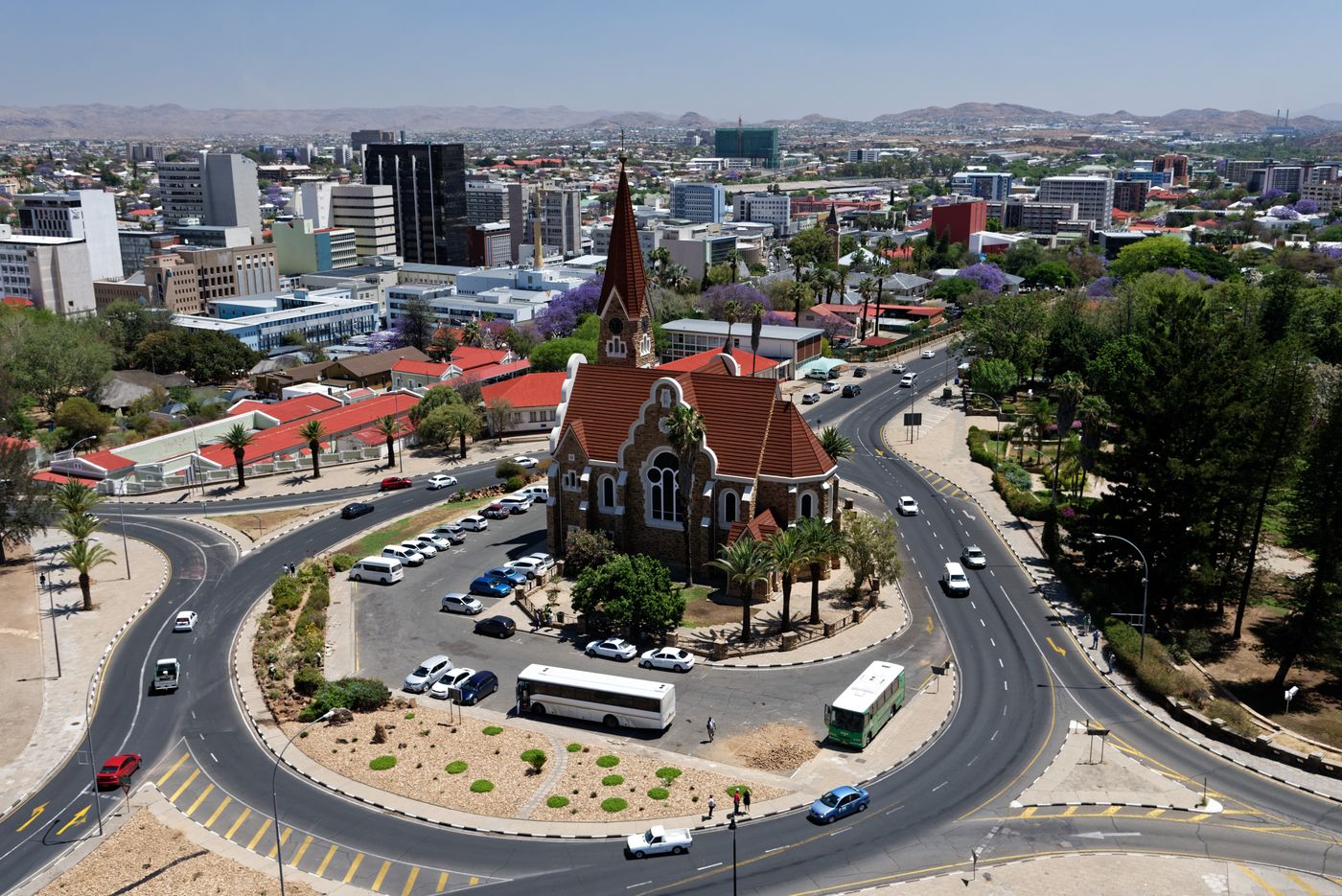
Hosea Kutako International Airport is about 45 km east of Windhoek. When booking a rental car, confirm whether pickup is at the airport or at a city office that requires a transfer. Save the pickup address, desk hours, and after-hours instructions, plus the map pin for your first night. Namibia Airports Company airport overview
Match your Etosha gate to your booking
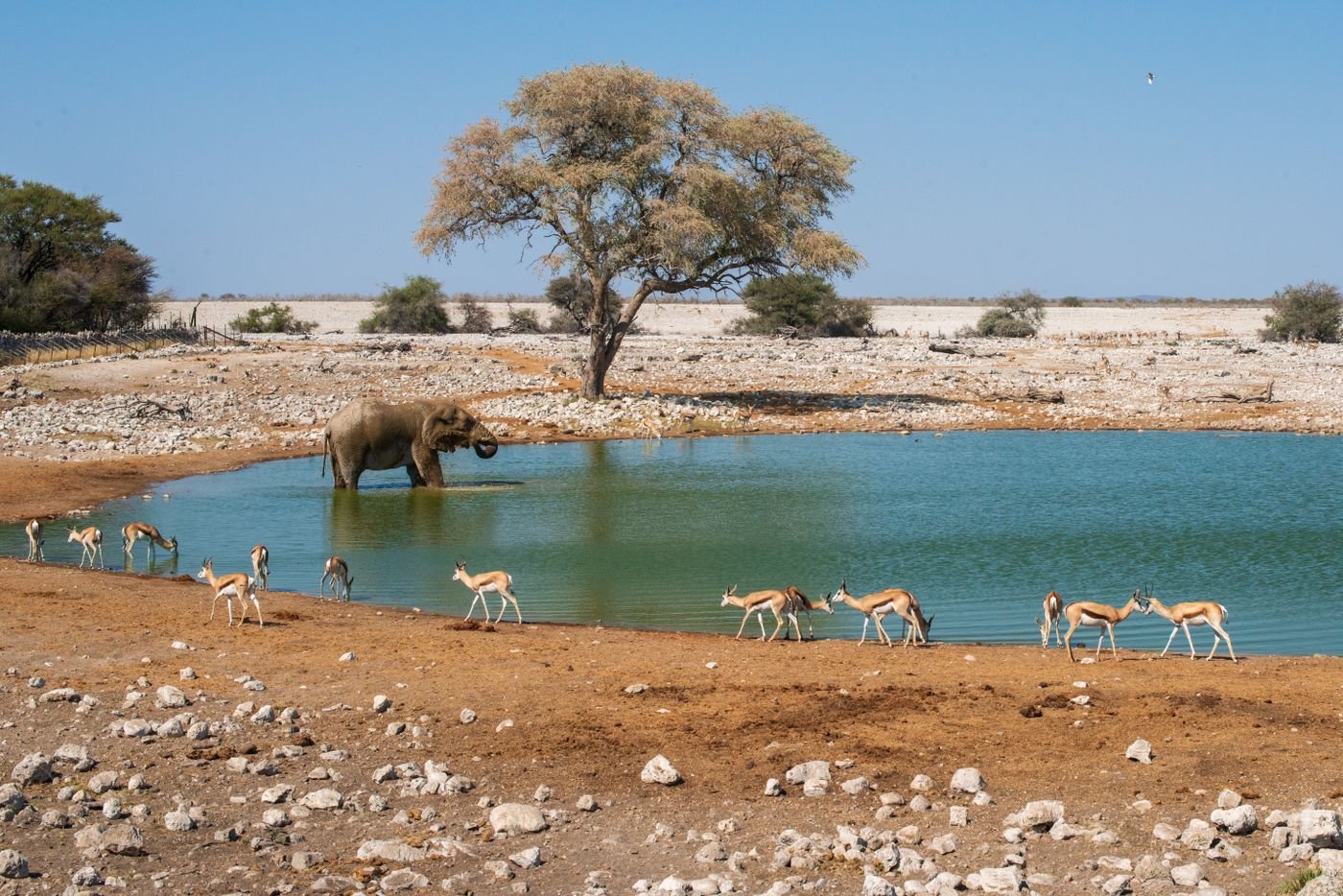
If you’re staying at Okaukuejo and approaching from the south, Namibia Wildlife Resorts places the camp 17 km inside Etosha’s southern entrance. Save the gate and camp as separate pins, then check opening and closing times for your travel day. Download the route and booking confirmation before you drive. If you’re staying elsewhere in the park, ask your accommodation which gate to use. Namibia Wildlife Resorts guide to Okaukuejo
Test mobile data before leaving Windhoek
Confirm your phone supports eSIM and is carrier-unlocked, then install over reliable Wi-Fi as directed. After arrival, select the travel eSIM for mobile data, follow the plan’s roaming instructions, and load a fresh webpage with Wi-Fi off. Before setting out, open your saved map in airplane mode and check that it includes your planned fuel stops and accommodation. Keep the rental company’s roadside assistance details offline.