
Africa · Travel connectivity
Tunisia eSIM Guide for Tunis, Carthage and Sousse
Set up a Tunisia eSIM and save offline directions for your Tunis medina stay, a Carthage day trip and the train to Sousse.
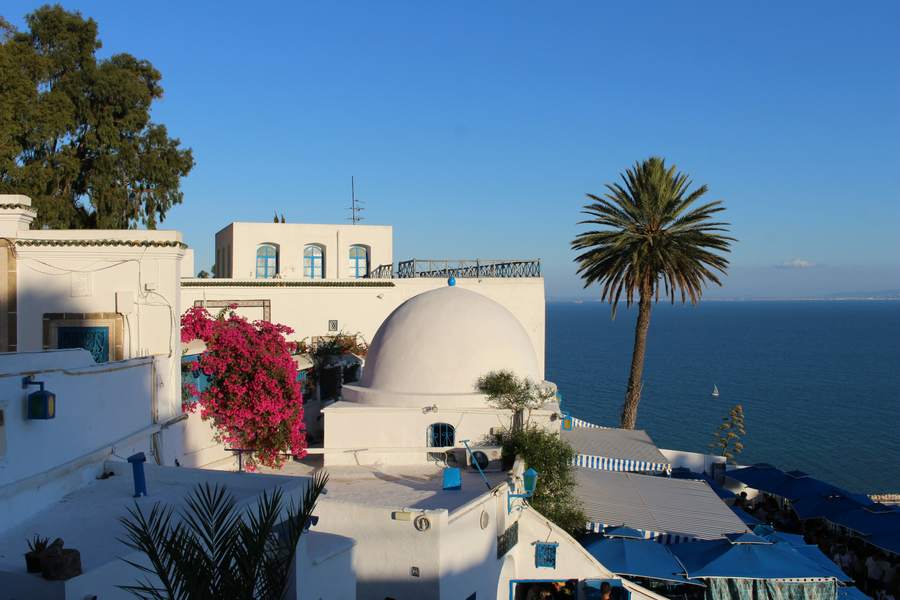
For a Tunisia trip that starts in Tunis and continues to Carthage or Sousse, set up mobile data before departure and save a map for each leg. Start with your airport pickup and the entrance to your accommodation. SimVago is a data-only eSIM for maps, translation and app messaging. Cellular calls and SMS are separate.
Save the entrance to your Tunis accommodation
If you’re staying in the medina, ask your host for both the entrance pin and the street where your driver can drop you off. Screenshot the host’s walking directions from that point. Send your flight number to your pickup contact and agree on where you’ll meet if you can’t message after landing.
Save separate stops for Carthage and Sidi Bou Saïd
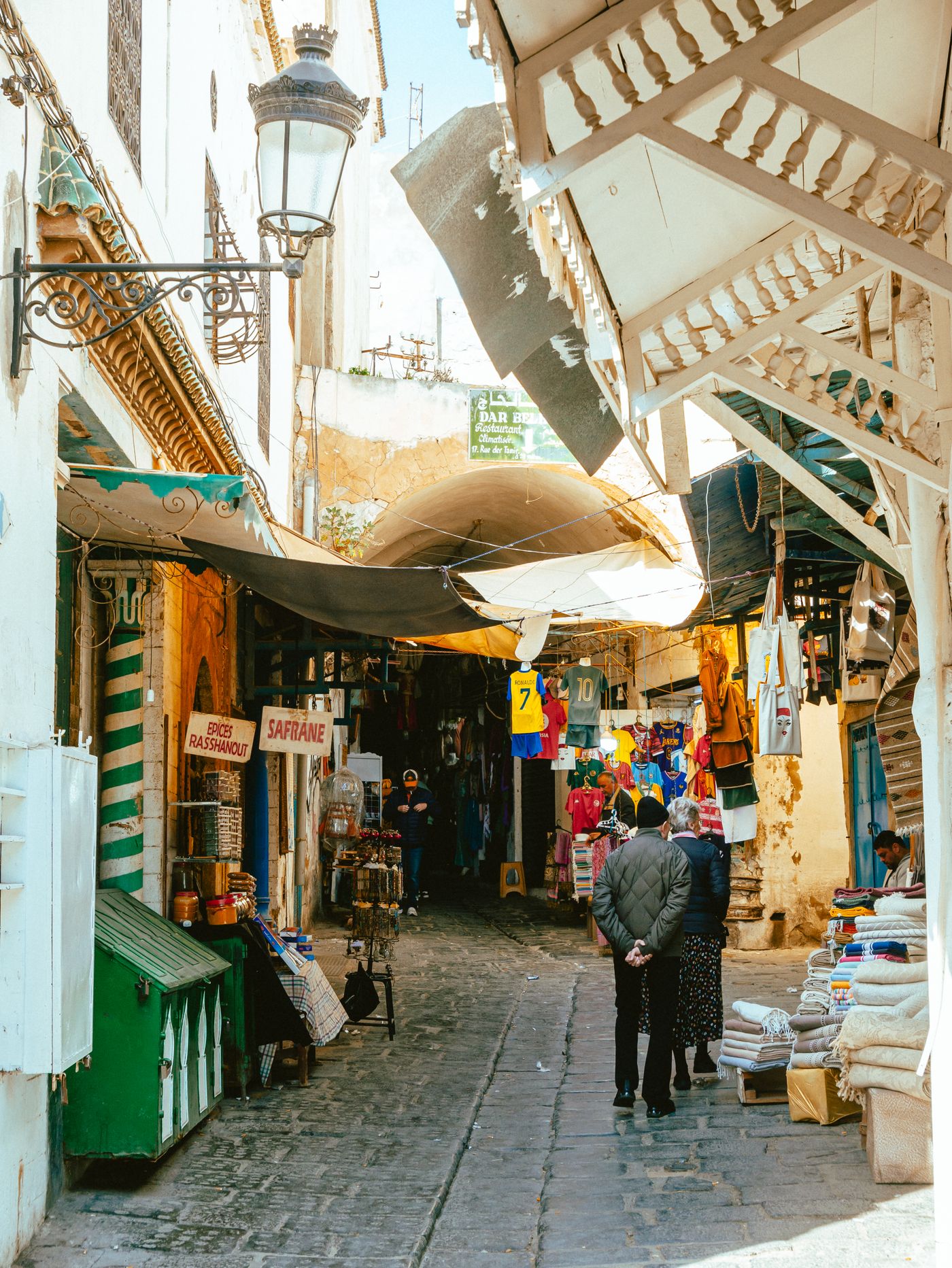
Tunisia’s tourism office lists both Carthage and Sidi Bou Saïd on the TGM line. Check current service before leaving and save the stop nearest the specific Carthage site you plan to visit. Save a separate pin for Sidi Bou Saïd and a return meeting point if you’ll take a taxi. A map pin for Carthage alone won’t tell you which entrance you need. Discover Tunisia
Keep your Sousse train details available offline
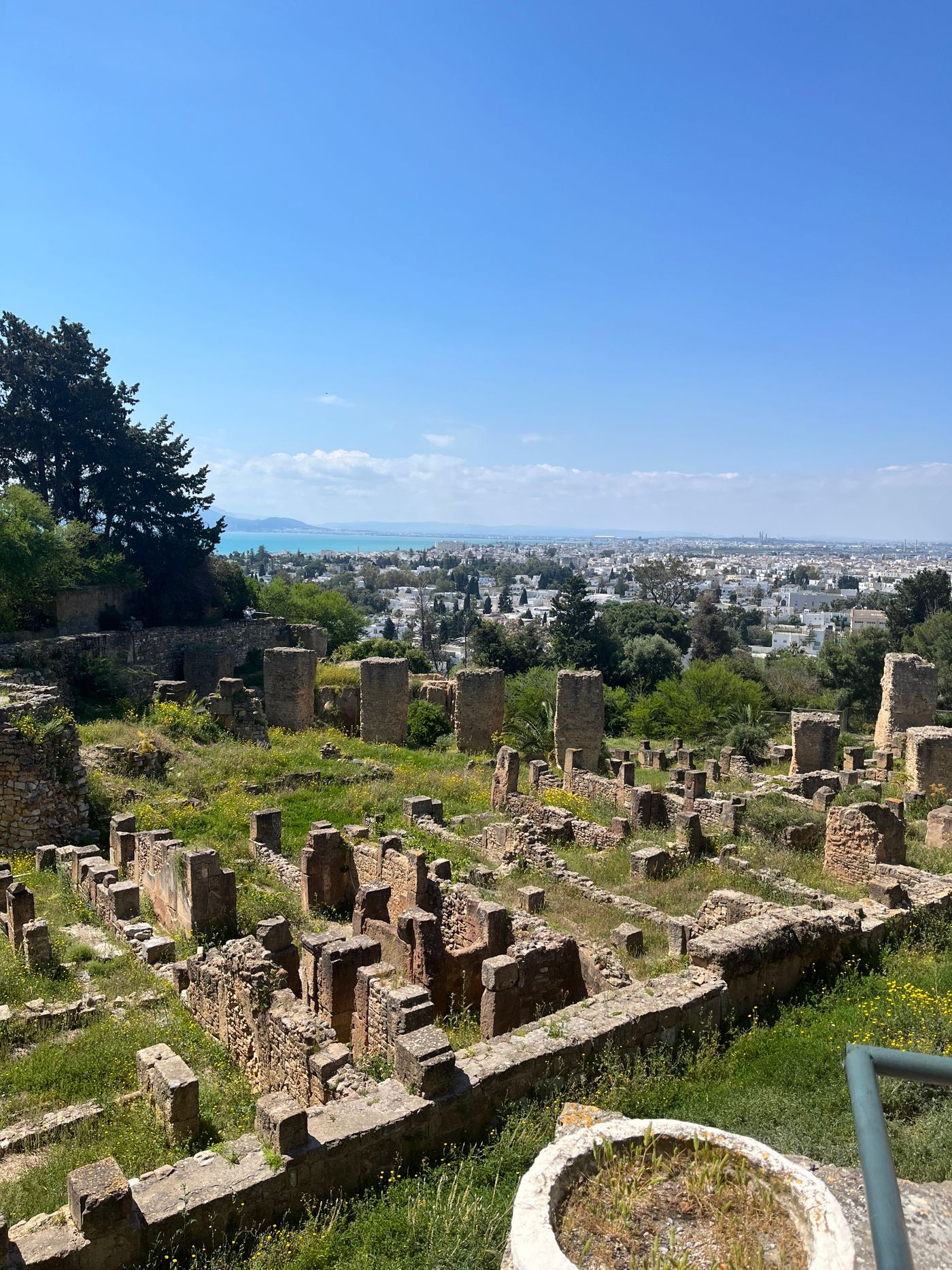
The national railway lists Tunis–Sousse among its routes. Before heading to the station, save the departure and arrival stations as shown on your booking, and keep the ticket in the format the railway accepts. Download the walking route or pickup pin from your arrival station to your accommodation. Recheck departures with SNCFT on the day you travel. SNCFT route information
Test mobile data before the first day trip
Check that your phone is unlocked and supports eSIM. Install over reliable Wi-Fi and follow the plan’s instructions for when to activate and how to set roaming. In Tunisia, select the travel eSIM for mobile data, turn Wi-Fi off briefly, and load a fresh page. Download maps and any French or Arabic translation packs you want to use, then open them in airplane mode before leaving your accommodation.
Sources
- Discover Tunisia Checked
- SNCFT route information Checked