
Africa · Travel connectivity
Zambia eSIM Guide for Lusaka, Livingstone and Victoria Falls
Set up a Zambia eSIM, save airport and lodge pickup details, and check mobile data coverage for both sides of Victoria Falls.
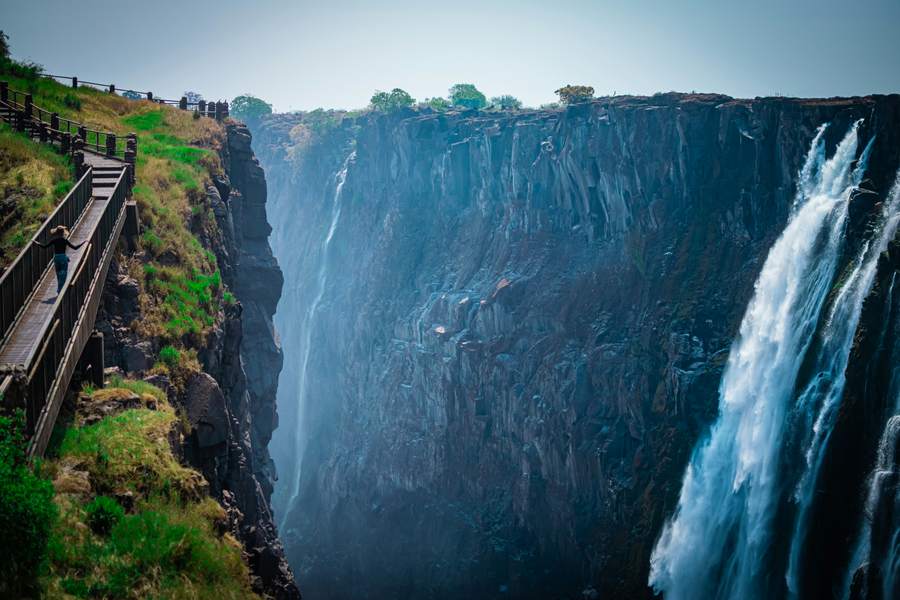
Set up your Zambia eSIM before flying and save the pickup for the airport on your ticket. If you’ll visit both sides of Victoria Falls, check whether your plan includes Zambia and Zimbabwe before buying. SimVago provides mobile data for maps and app messaging. Cellular calls and SMS use a separate line.
Match your airport pickup to your booking
Kenneth Kaunda International Airport serves Lusaka. Harry Mwaanga Nkumbula International Airport serves Livingstone, near Victoria Falls. Send your driver the airport name and flight number, then save the reply with the meeting point and lodge address. If you connect through Lusaka, keep the pickup for the final leg separate from your connection details. Zambia Ministry of Tourism

Save directions for the side of the falls you’ll visit
Ask your lodge or operator for the entrance or meeting point on the Zambia side and save it offline. If you have a separate booking on the Zimbabwe side, save that pickup too and ask your operator to confirm where you’ll meet after crossing. Check current border and entry instructions with the relevant authorities before setting out. Livingstone airport information
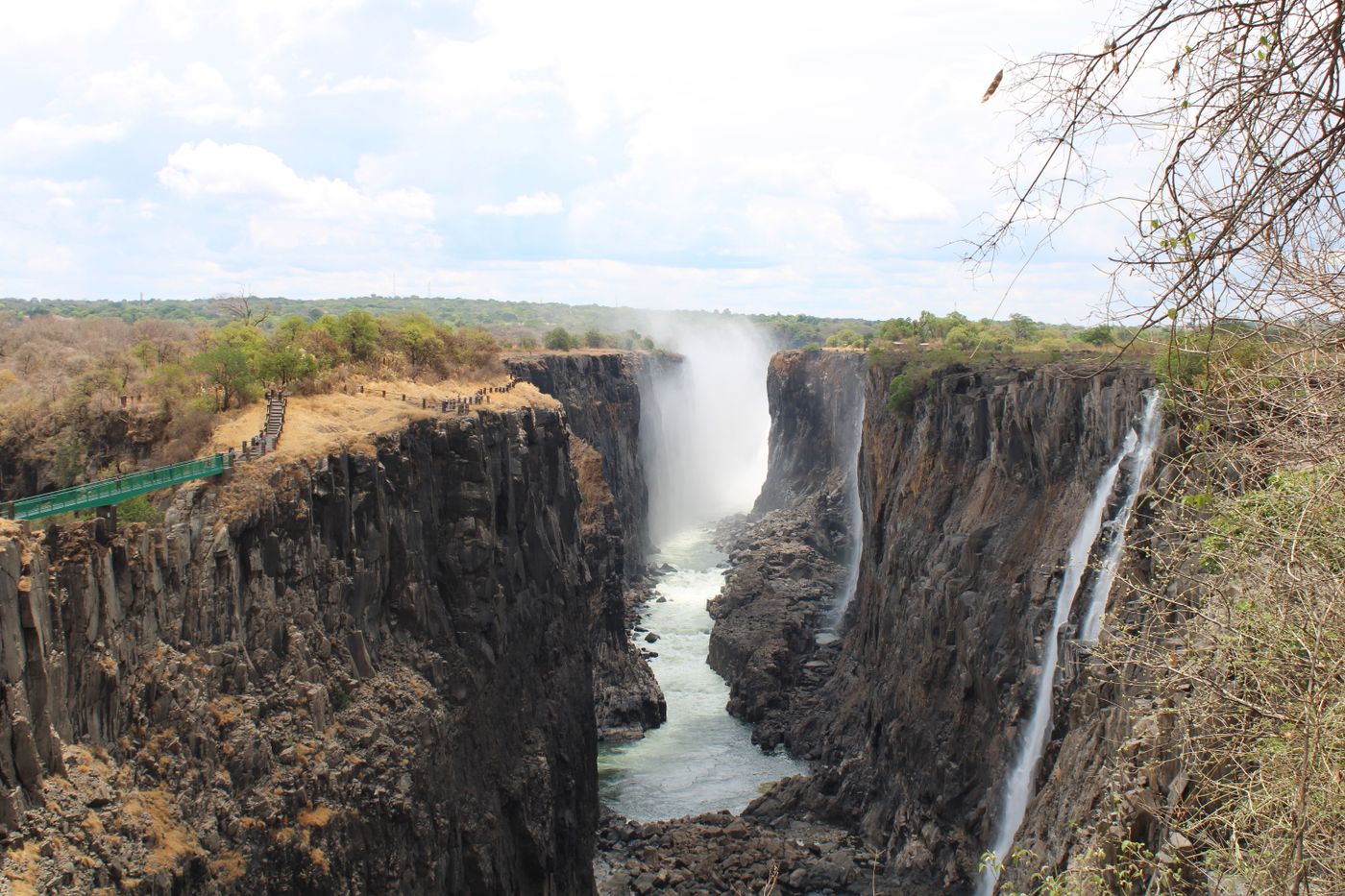
Check mobile data before and after crossing
Open your selected plan’s country list. If it covers Zambia only, arrange connectivity separately for Zimbabwe. Download maps for both sides and save your return meeting point while you’re online. Follow the plan’s installation and roaming instructions, select the travel eSIM for mobile data, and try loading a fresh page with Wi-Fi off. Test again after switching plans.
Keep your lodge and transfer details offline
For a lodge stay or an onward safari transfer, save the operator’s name, the exact pickup point and the agreed departure time. Ask your host whether the plan’s network reaches the property and whether Wi-Fi is available. Open the booking and map in airplane mode before leaving town so you know you can still use them if reception drops.
Sources
- Zambia Ministry of Tourism Checked
- Livingstone airport information Checked