
Oceania · Travel connectivity
Australia eSIM Guide for City Arrivals and Regional Road Trips
Set up mobile data after landing in Australia, check coverage along your driving route, and prepare offline for remote stretches.

Use mobile data for your first transfer and city stops, then plan the regional drive so you can finish it without a signal. Before leaving reliable Wi-Fi, save the route, fuel stops and booking details. SimVago’s Australia eSIM provides mobile data. It does not include cellular voice calls or SMS.
Set up mobile data before your first airport transfer
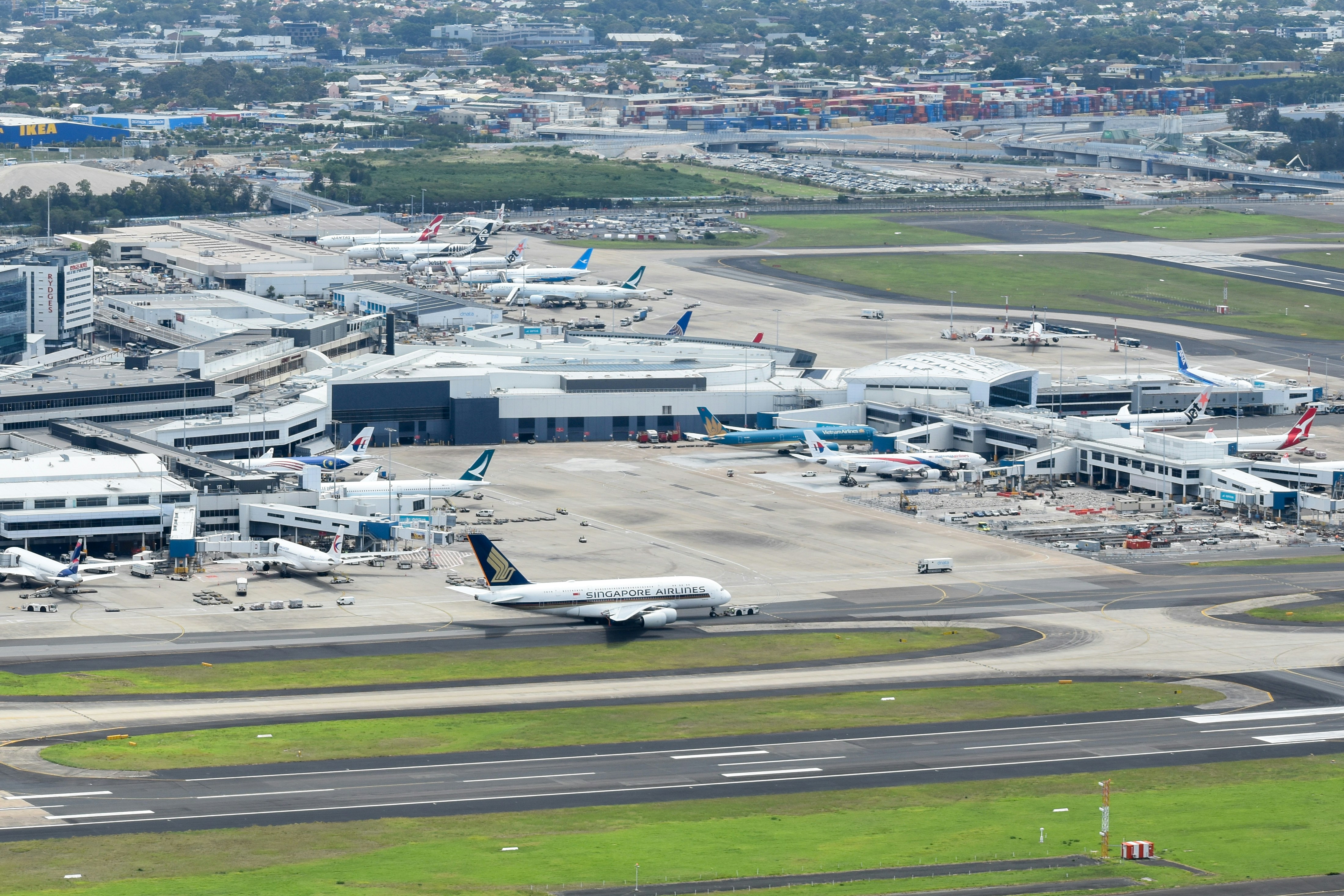
If you arrive at Sydney’s T1 International terminal and connect through T2 or T3 Domestic, save your onward terminal and transfer instructions. The airport lists bus and train options between the precincts. Check with your airline which transfer applies to your booking. For a rental pickup, save the branch address, collection instructions, and what to do if your flight is late. Sydney Airport terminal transfers
Check that your phone is unlocked and supports eSIM. Review your plan’s activation rule and install as instructed on a reliable connection. Once you’re ready to use the plan, select it for mobile data and switch off Wi-Fi briefly to test a route search before leaving the terminal.
Check the road between towns, not just the destination pin
If the plan identifies a local network, check that network’s coverage map along the actual roads you’ll drive, including detours, fuel stops and overnight stays. The Australian Communications and Media Authority says these maps are predictions for outdoor conditions and do not model reception inside vehicles. If you cannot verify which network your plan uses, treat reception on remote stretches as uncertain. ACMA mobile coverage maps standard

Before a regional drive, save what you’ll need offline
- Download the driving route and a possible detour while you have Wi-Fi. Switch on airplane mode and check that the map, accommodation details and rental roadside-assistance information open.
- For a Northern Territory route such as Darwin to Katherine, check the official road report before leaving and confirm fuel and rest stops for your travel date. Save their locations and hours. Recheck conditions before any side trip.
- Share your intended route and arrival time with someone who can follow up if you miss a check-in. For remote legs, arrange communications suitable for the route and prepare fuel and water before leaving town. A data eSIM is not a substitute for a remote travel communications plan.
Review road conditions and remote driving guidance before departure. Northern Territory Road Report Northern Territory remote driving guidance Northern Territory road safety guidance
Choose data for the parts of the trip where you can connect
Estimate navigation, bookings and messages separately from video, hotspot use and photo uploads. A larger allowance does not extend network coverage. Use the data calculator for your itinerary and compare allowance, validity, activation and hotspot terms on the Australia plan listing. If you depend on bank verification texts, arrange access through your home line or another method your bank supports.