
Europe · Travel connectivity
Croatia eSIM Guide for Split and Hvar Ferry Travel
Check mobile data for Croatia, compare Hvar Town and Stari Grad arrivals, and save your ferry and pickup details offline.
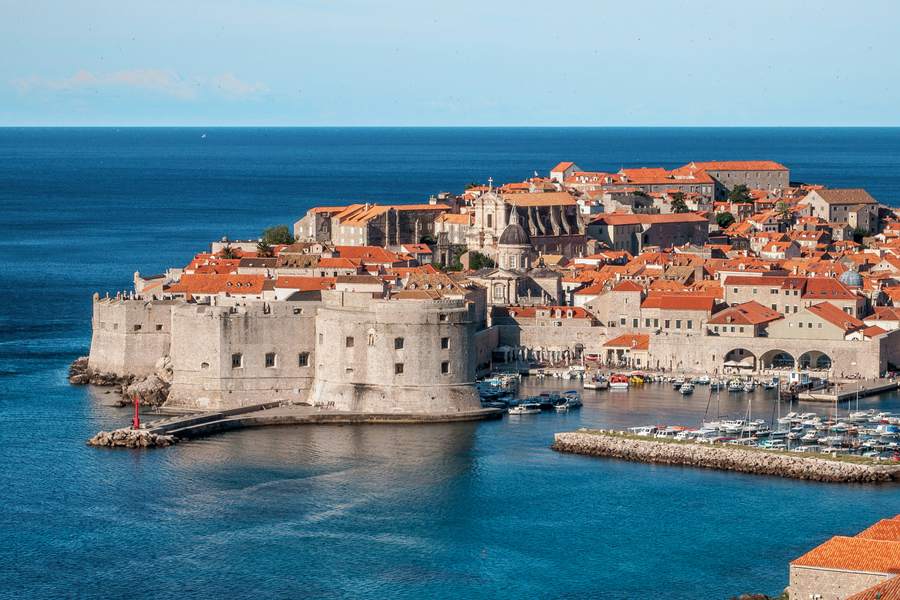
If you’re sailing from Split to Hvar, check which port your ticket names before booking a pickup. Hvar Town and Stari Grad are separate arrival points on the same island. Check your home carrier’s Croatia roaming allowance if you’ll need data for directions or booking changes. SimVago provides mobile data only, with no cellular calls or SMS.
Choose the arrival port that fits your stay
Jadrolinija lists a seasonal direct catamaran to Hvar Town and a separate ferry from Split to Stari Grad. If you’re bringing a vehicle, check the vehicle booking options on the Stari Grad route. If you’re traveling on foot, compare the departure for your date and the route from each arrival port to your accommodation. Jadrolinija Split–Hvar catamaran Jadrolinija Split–Stari Grad ferry

Save your ferry ticket and pickup offline
- Save the operator, departure time, and boarding instructions for Split. Keep the ticket in a format the operator accepts.
- Share the exact arrival port with your driver or host. If you land at Stari Grad and are staying in Hvar Town, confirm your onward ride and save the meeting point.
- For a day trip, check the return from the port you’ll actually use. Save the boarding time and a route back from your final stop.

Do you need an eSIM if you already have EU roaming?
Croatia is in the EU’s Roam Like at Home area. If you have an eligible home plan, check your allowance and any fair-use limit before buying extra data. If you choose a travel eSIM, look for Croatia and any onward countries where you’ll need service, such as Bosnia and Herzegovina or Montenegro. European Commission roaming guidance
Test your eSIM before heading to the port
Check that your phone supports eSIM and is unlocked. Read the plan’s setup instructions and when validity begins before installing over Wi-Fi. In Croatia, select the travel eSIM for mobile data and open a fresh webpage with Wi-Fi off. Keep your ticket and pickup details offline for the crossing.
Sources
- Jadrolinija Split–Hvar catamaran Checked
- Jadrolinija Split–Stari Grad ferry Checked
- European Commission roaming guidance Checked