
Africa · Travel connectivity
Kenya eSIM Guide for Nairobi and Mombasa by Train
Set up mobile data for Kenya, find the right Madaraka Express terminus, and keep your train ticket and pickup details ready offline.

If you’re taking the Madaraka Express from Nairobi to Mombasa, save the station names and your ticket before leaving Wi-Fi. A Kenya eSIM can help you check departures or message your driver once it connects. SimVago provides mobile data only, with no cellular calls or SMS.
Give your driver the Madaraka Express terminus
Nairobi Terminus is in Syokimau, and Mombasa Terminus is in Miritini. Kenya Railways lists separate link trains between these termini and Nairobi Central Station or Mombasa Railway Station. Use the station named on your ticket when arranging a ride. If you’re taking a link train, check that its schedule gives you enough time for check-in. Kenya Railways link service Kenya Railways train information
Have your ticket QR code ready at the gate
Kenya Railways recommends arriving at least an hour before departure for document and security checks. The platform gate scans the QR code on your ticket. Keep the issued ticket accessible offline and check whether your booking requires you to collect it before boarding. Save the train number, arrival station, and meeting point for your onward ride. Kenya Railways Madaraka Express FAQ
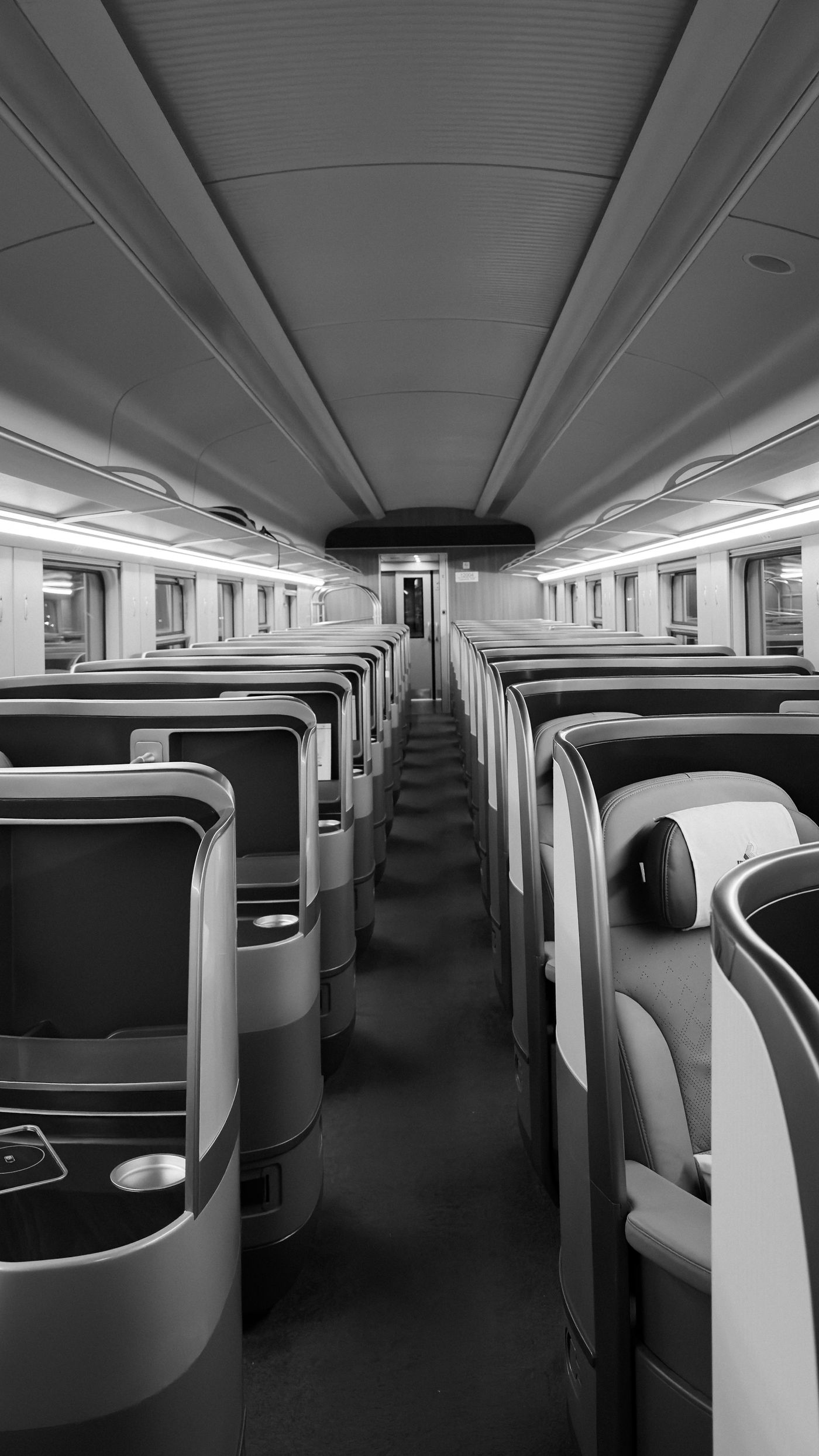
Test your Kenya eSIM before heading to the coast
Confirm that your phone supports eSIM and is carrier-unlocked. Choose a plan that lists Kenya, check when validity starts, and follow its installation steps over Wi-Fi. Once in Kenya, select the travel eSIM for mobile data, turn Wi-Fi off, and open a fresh webpage. Download a map from Mombasa Terminus to your stay before boarding so you can find your pickup even if reception drops.
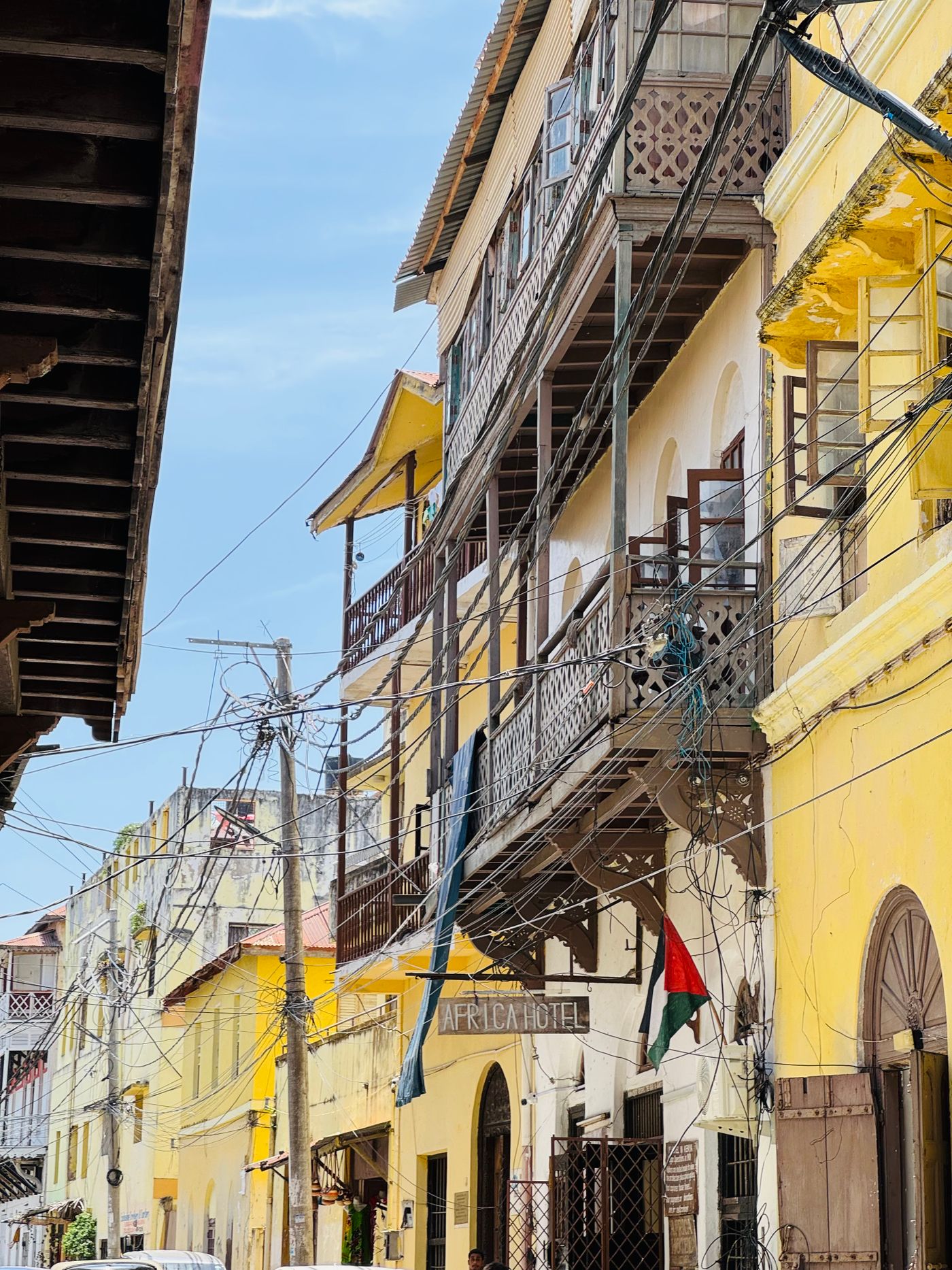
Sources
- Kenya Railways link service Checked
- Kenya Railways train information Checked
- Kenya Railways Madaraka Express FAQ Checked