
Europe · Travel connectivity
Malta eSIM Guide for Valletta and Gozo Ferries
Set up mobile data for Malta, choose the right Gozo ferry from Valletta or Ċirkewwa, and save your Mġarr pickup offline.

If you’re visiting Gozo, save your ferry departure port and onward directions before leaving Wi-Fi. A Malta eSIM can help you check sailing updates and message your host once it connects. SimVago provides mobile data only, with no cellular calls or SMS.
Choose your Gozo ferry by departure port
The fast ferry from Valletta to Mġarr is for foot passengers. If you’re taking a car, Gozo Channel carries vehicles and foot passengers from Ċirkewwa to Mġarr. Save the operator name, terminal pin, and boarding instructions for your sailing. Check the return port on Malta too, especially if you’re using a different service on the way back. Malta National Statistics Office ferry routes Gozo Channel passenger and vehicle guide
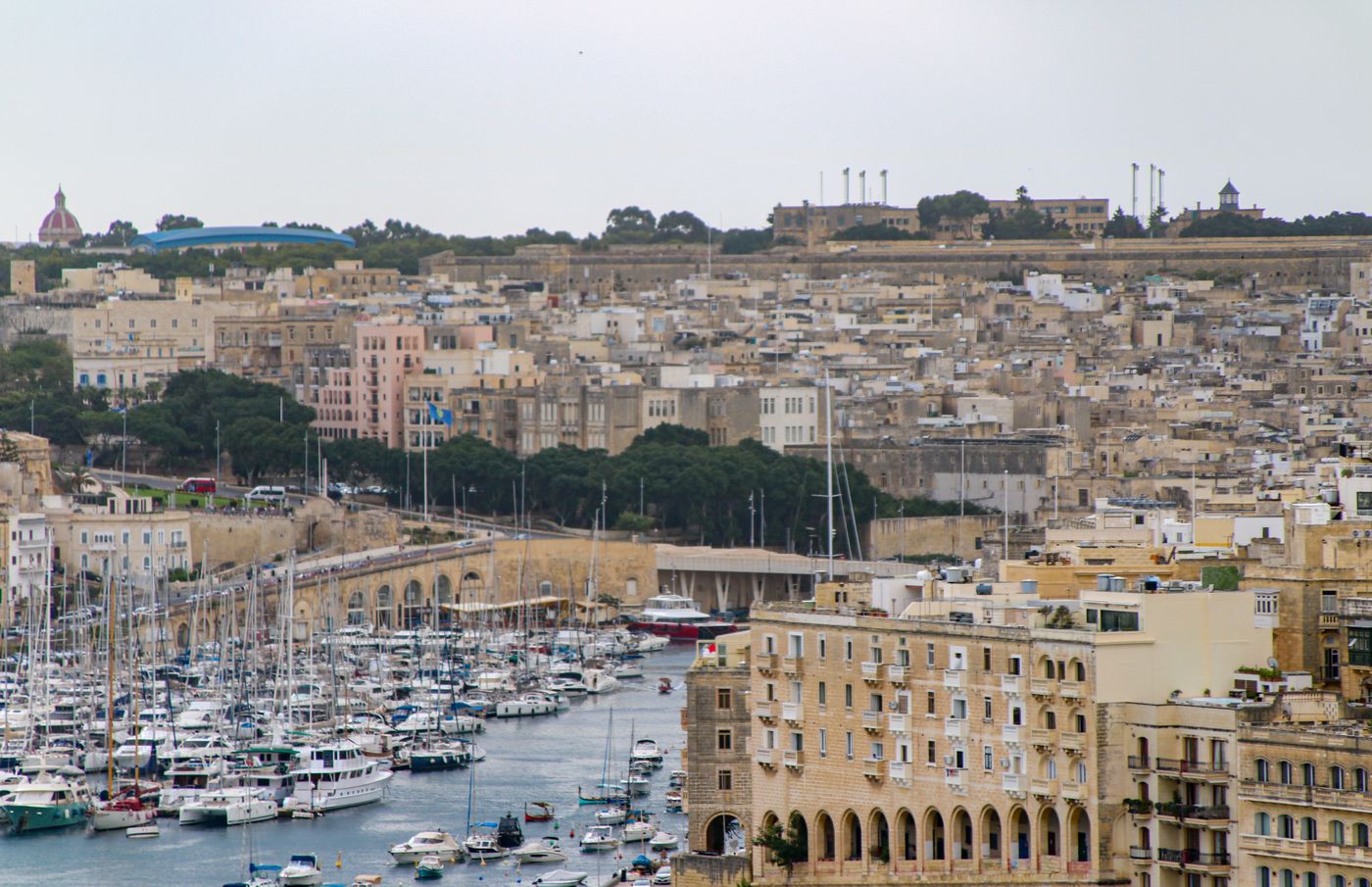
Save the pickup at Mġarr before boarding
If someone is meeting you on Gozo, send your sailing details and agree on a meeting point at the port. Save the name of your first stop and directions to your stay. For a day trip, keep the return timetable handy and check for changes before heading back to Mġarr.
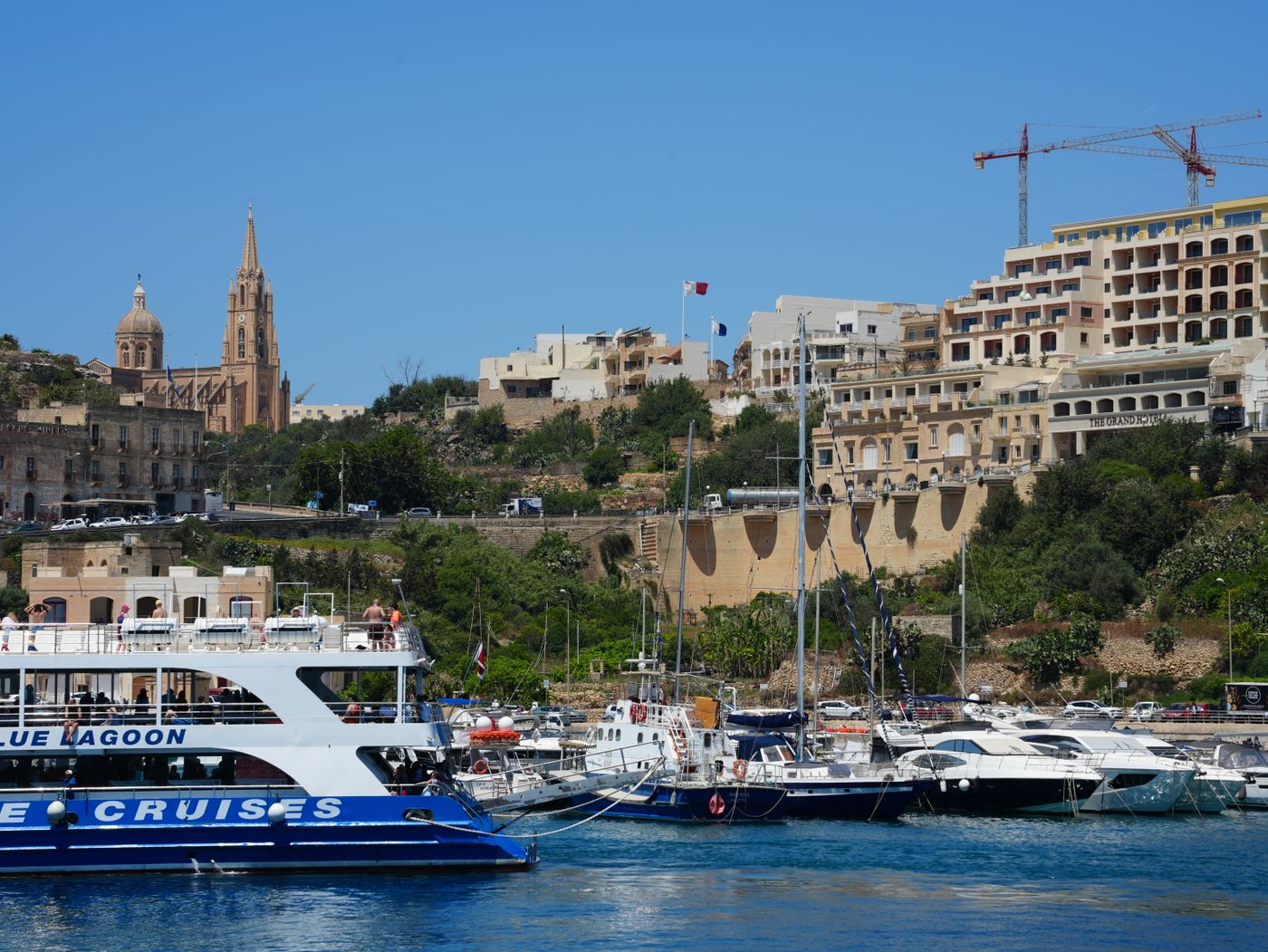
Test your Malta eSIM before the crossing
Confirm your phone supports eSIM and is carrier-unlocked. Choose a plan that lists Malta, check when validity starts, and install over Wi-Fi as directed. Once in Malta, select the travel eSIM for mobile data, turn Wi-Fi off, and open a fresh webpage. Download your ferry details and the map around your Gozo destination before boarding.