Africa · Travel connectivity
Mauritania eSIM Guide for Nouakchott and the Adrar
Set up mobile data in Mauritania, save your Nouakchott airport pickup, and prepare offline maps for Atar and Chinguetti.

Choose an eSIM plan that lists Mauritania and set it up before you travel. In Nouakchott, mobile data can help you message your driver or find your hotel. If you’re heading inland to the Adrar, save the details you’ll need when you’re offline. SimVago provides mobile data only, with no cellular calls or SMS.
Save your Nouakchott airport pickup
If you’re arriving at Nouakchott–Oumtounsy International Airport (NKC), agree on a meeting point with your driver or hotel. Save a screenshot with the pickup instructions, your flight number, and your hotel’s full address. You’ll be able to show the details at arrivals even if your eSIM hasn’t connected yet. Nouakchott airport operator
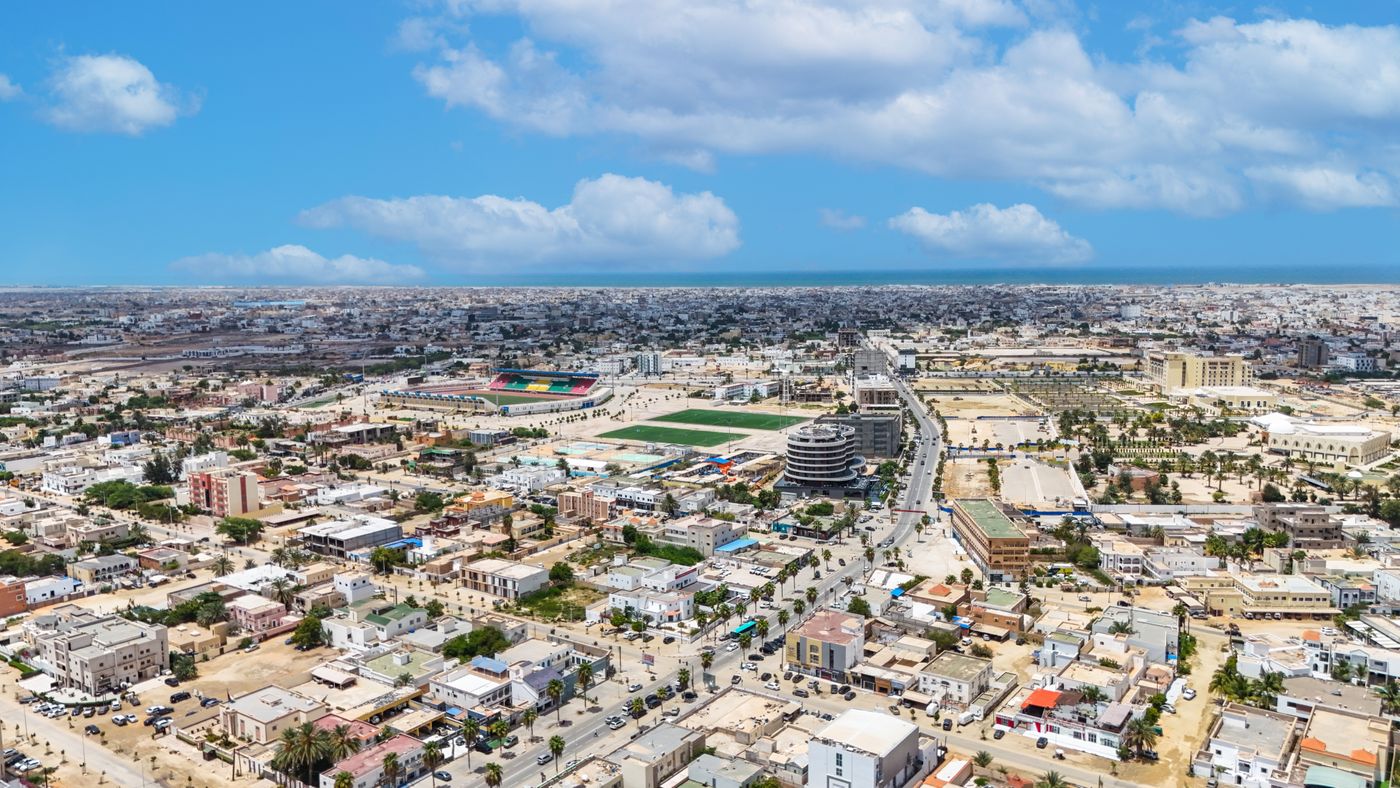
Test your Mauritania eSIM before leaving town
Check that your phone supports eSIM and is carrier-unlocked. Confirm when your selected plan starts, then follow the installation instructions over reliable Wi-Fi. In Mauritania, select the travel eSIM for mobile data and follow its roaming instructions. Turn off Wi-Fi and load a fresh webpage. If you’re also visiting another country, check that it appears by name in the plan’s coverage list.
Prepare for the drive from Atar to Chinguetti
Atar is a starting point for trips to Chinguetti and Ouadane. Before leaving town, save the map area, overnight stop, and your guide’s itinerary. Check that the downloads open in airplane mode. Ask your guide where they expect service along your route and what communication arrangements they use for stretches without it. Send your itinerary and expected check-in time to someone before you set out. Mauritania National Tourism Office guide to Atar