
Asia · Travel connectivity
Philippines eSIM Guide for Manila and Island Transfers
Set up a Philippines eSIM, check both Manila airport terminals, and save your island transfer details offline.

A Philippines eSIM can help you check your Manila connection, message a driver, and confirm an island transfer. Choose a plan that lists the Philippines and check when validity starts. SimVago provides mobile data only, with no cellular calls or SMS.
Check both Manila terminals before your connection
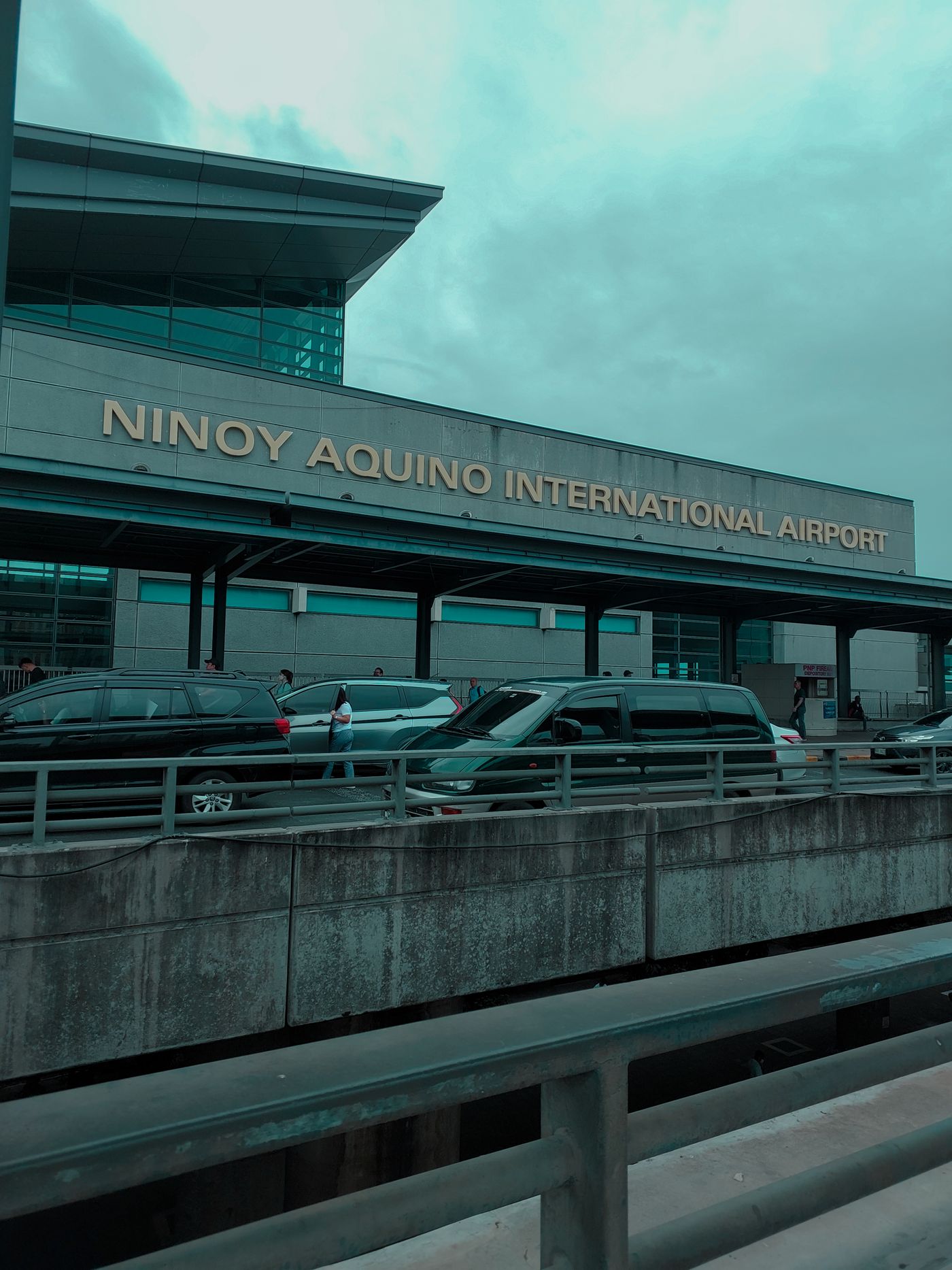
At Ninoy Aquino International Airport (NAIA), check the arrival and departure terminals with your airlines. Save both terminal numbers and the onward check-in deadline offline. If you booked separately, ask whether you’ll need to collect and recheck bags. If the terminals differ, confirm which transfer options apply to your booking before you fly. NAIA airline and terminal directory Philippine Airlines connecting flight guide
Save every pickup on your island itinerary
If your trip to Boracay includes a flight, a boat, and a hotel pickup, ask the transfer operator which parts your booking covers. Save the current departure port, the arrival meeting point, and your hotel confirmation. Ask how the operator will notify you if the departure point changes, and check before leaving the airport or hotel.

Test mobile data before leaving arrivals
Confirm that your phone supports eSIM and is carrier-unlocked. Install over reliable Wi-Fi as directed. After landing, select the travel eSIM for mobile data, follow the plan’s roaming instructions, and load a fresh webpage with Wi-Fi off. Open your tickets and pickup details in airplane mode before relying on them offline.