
Asia · Travel connectivity
Singapore eSIM Guide for Changi Airport and the MRT
Set up a Singapore eSIM, find the MRT from your Changi terminal, and check how to tap in and out on public transport.

A Singapore eSIM can help you check your MRT route from Changi Airport and find your hotel after getting off the train. Choose a plan that lists Singapore and check when validity starts. SimVago provides mobile data only, with no cellular calls or SMS.
Find the MRT from your arrival terminal
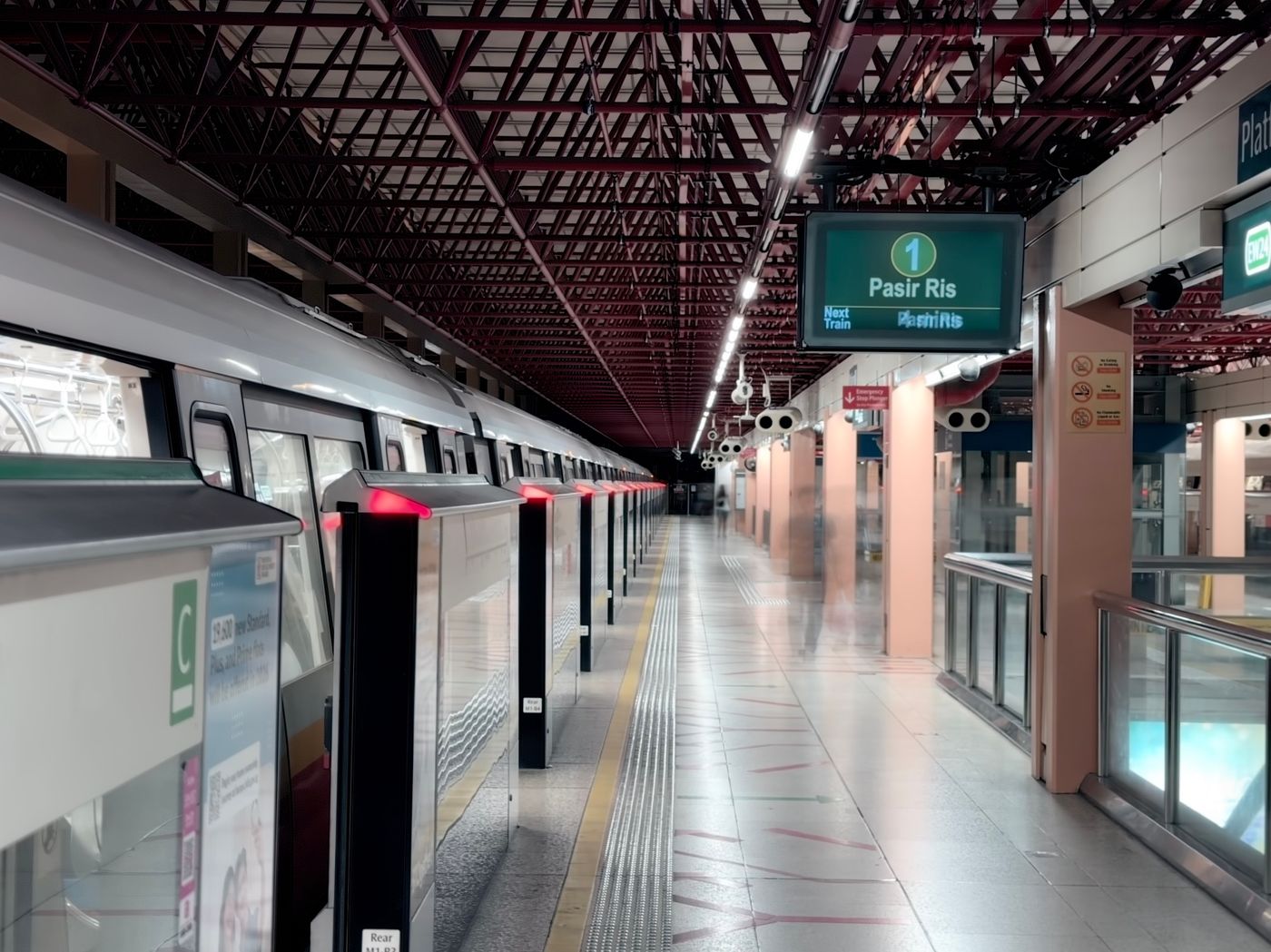
Changi Airport MRT station connects directly to Terminals 2 and 3. If you land at Terminal 4 and want to take the train, check the shuttle to Terminal 2. Plan your connection at Tanah Merah for the East West Line or Expo for the Downtown Line. Save your final station, exit, and walking route to the hotel. For a late arrival, check the last train for your entire route, including the transfer. Changi Airport transfer guide Changi inter-terminal transfers

Use the same card or device to tap in and out
If you use a supported contactless card, tap in and out with the same card or device. For example, if you tap in with your phone, use the same phone and wallet card to tap out. SimplyGo lists an administration fee for eligible foreign-issued cards, so check its payment guide before choosing how to pay. SimplyGo contactless payment FAQ
Test your Singapore eSIM before boarding
Confirm that your phone supports eSIM and is carrier-unlocked, then install over reliable Wi-Fi as directed. After landing, select the travel eSIM for mobile data and follow its roaming instructions. Turn off Wi-Fi and load a fresh webpage. Open your saved route and hotel details in airplane mode to check that they’re available offline.
Sources
- Changi Airport transfer guide Checked
- Changi inter-terminal transfers Checked
- SimplyGo contactless payment FAQ Checked