Asia · Travel connectivity
Tajikistan eSIM Guide for Dushanbe and the Pamirs
Set up a Tajikistan eSIM, save your Dushanbe pickup, and prepare offline maps and check-ins for the Pamirs.

A Tajikistan eSIM can help you contact your driver in Dushanbe and check travel updates before heading into the Pamirs. Choose a plan that lists Tajikistan and check when its validity starts. SimVago provides mobile data only, with no cellular calls or SMS.
Save your Dushanbe airport pickup
If you’ve booked a pickup at Dushanbe International Airport (DYU), send your driver the flight number and agree on a meeting point. Save the reply and your accommodation address offline. If a separate driver is taking you into the Pamirs, confirm the departure address in Dushanbe and save that pin too. Somon Air Dushanbe flight timetable

Test your eSIM while you have Wi-Fi nearby
Confirm that your phone supports eSIM and is carrier-unlocked, then install over reliable Wi-Fi as directed. In Tajikistan, select the travel eSIM for mobile data and follow its roaming instructions. With Wi-Fi off, open a fresh webpage and send a test message in the app you’ll use with your driver.
Save your Pamir route and agree on check-ins
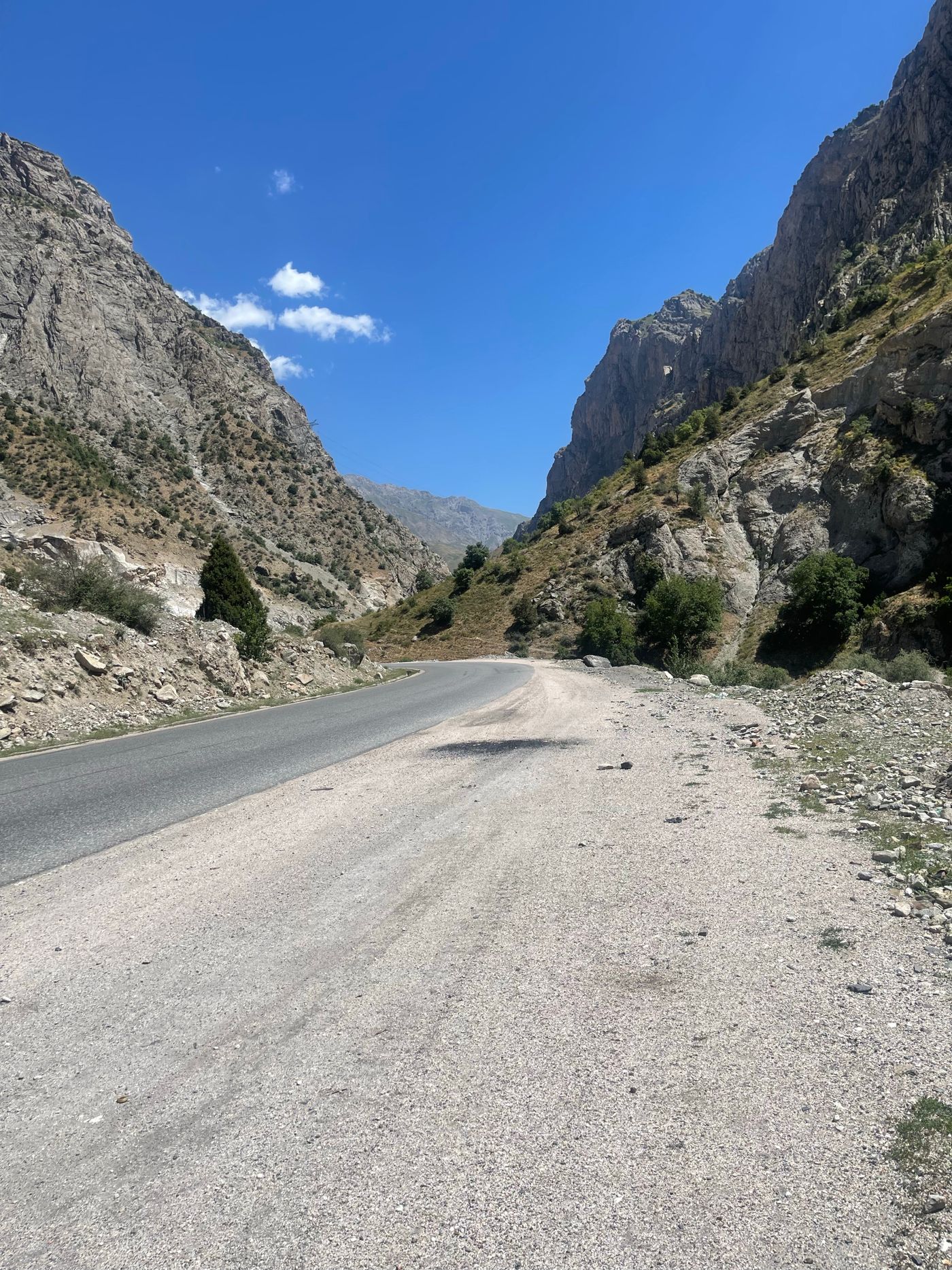
UK travel advice describes very limited mobile coverage in remote parts of Tajikistan. Before leaving Dushanbe, download a map with your overnight stops and meeting points, then check that it opens in airplane mode. Share the itinerary and expected check-in times with someone at home. Ask your operator how they handle communications if mobile service drops. UK travel advice for remote areas in Tajikistan