
Europe · Travel connectivity
Vatican City eSIM Guide for the Vatican Museums and St. Peter’s
Check Vatican City and Rome eSIM coverage, save your Vatican Museums ticket offline and pin the entrance to St. Peter’s Basilica.

You may be able to use one eSIM for Rome and Vatican City if the plan covers both. Check your existing plan before buying a second one. SimVago provides mobile data for maps and app messaging. Standard cellular calls and SMS use a separate line.
Check whether your Rome plan covers Vatican City
Look for Holy See (Vatican City State) in the SimVago catalog. When comparing an Italy or Europe plan, check its destination list for both Italy and Vatican City. If the listing is unclear, ask support about the specific plan before purchasing. For a day trip from Rome, check when validity starts and whether it lasts through your return.
Save two entrance pins and your timed ticket
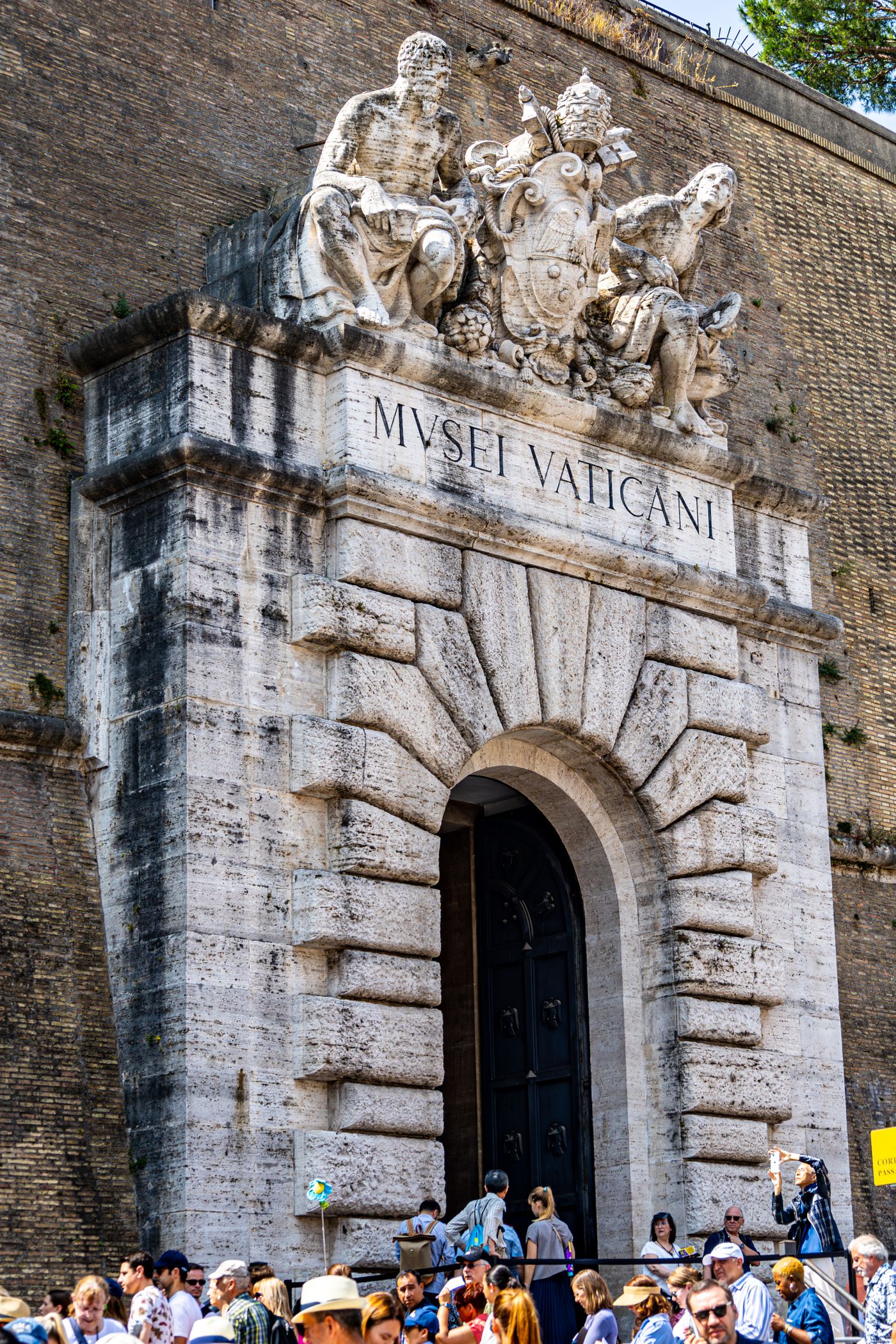
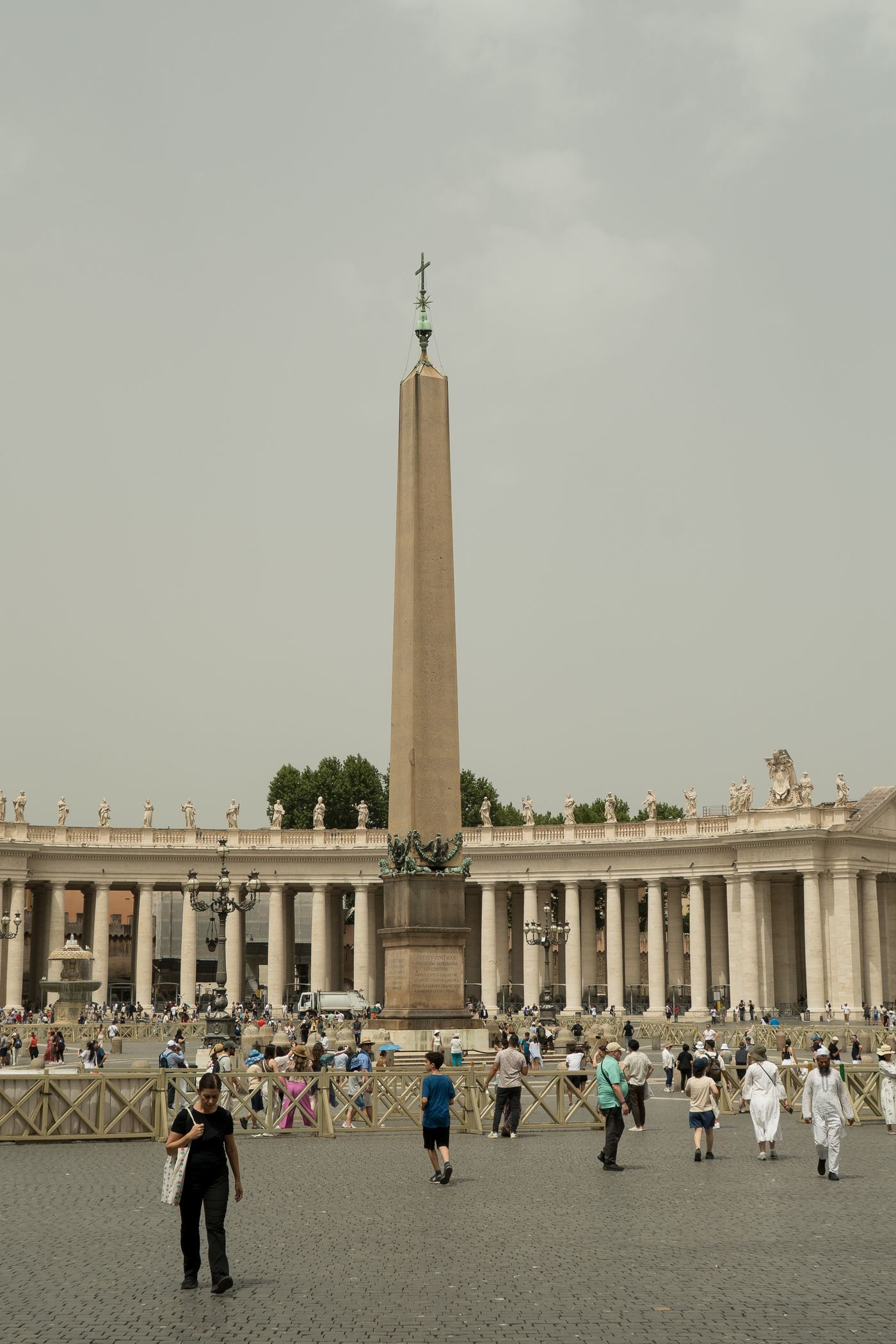
Save the Vatican Museums entrance and St. Peter’s Square as separate pins. The museums list Ottaviano and Cipro as nearby Line A stops. The basilica lists an entrance through St. Peter’s Square and separate instructions for online bookings. If you booked a tour, also save the operator’s meeting point, which may be elsewhere. Vatican Museums directions St. Peter’s Basilica access
Download your museum ticket in the format the issuer accepts, then open it with airplane mode on before you leave your hotel. Save the entry time and booking reference. If your group splits up, agree on a meeting point and time so everyone can regroup without mobile data.
Test your eSIM before heading out
Use a carrier-unlocked, eSIM-compatible phone and install on Wi-Fi according to the plan instructions. Select the eSIM for mobile data and follow its roaming settings. Turn off Wi-Fi and load a fresh page before you leave your hotel. Keep the return route to your accommodation saved offline, especially if you’re switching plans during the day.
Sources
- Vatican Museums directions Checked
- St. Peter’s Basilica access Checked